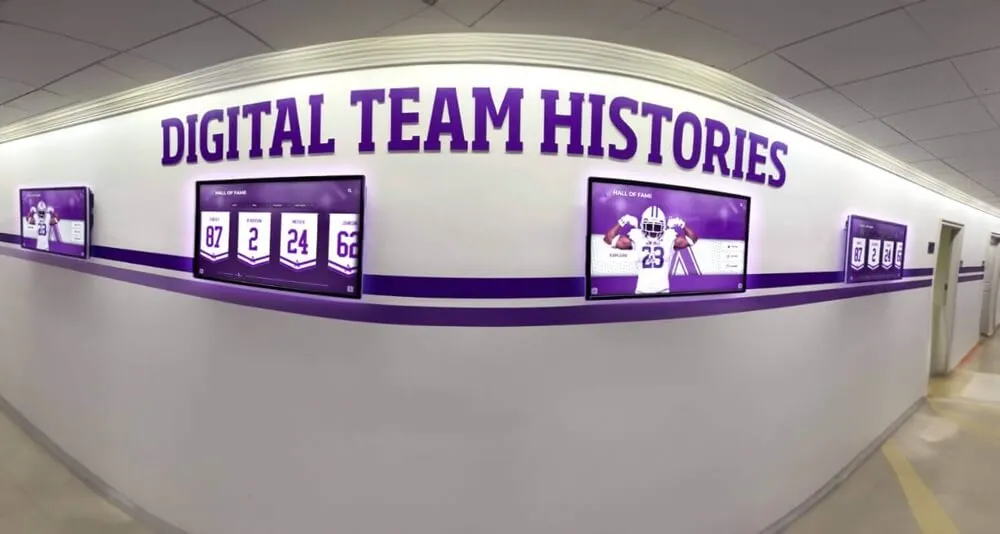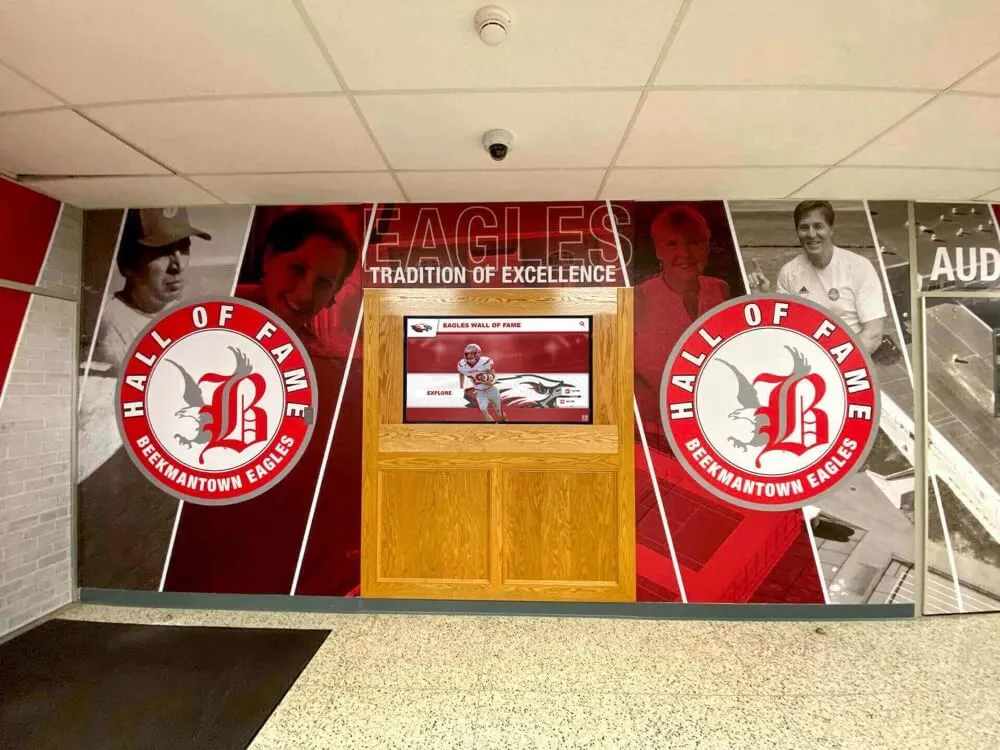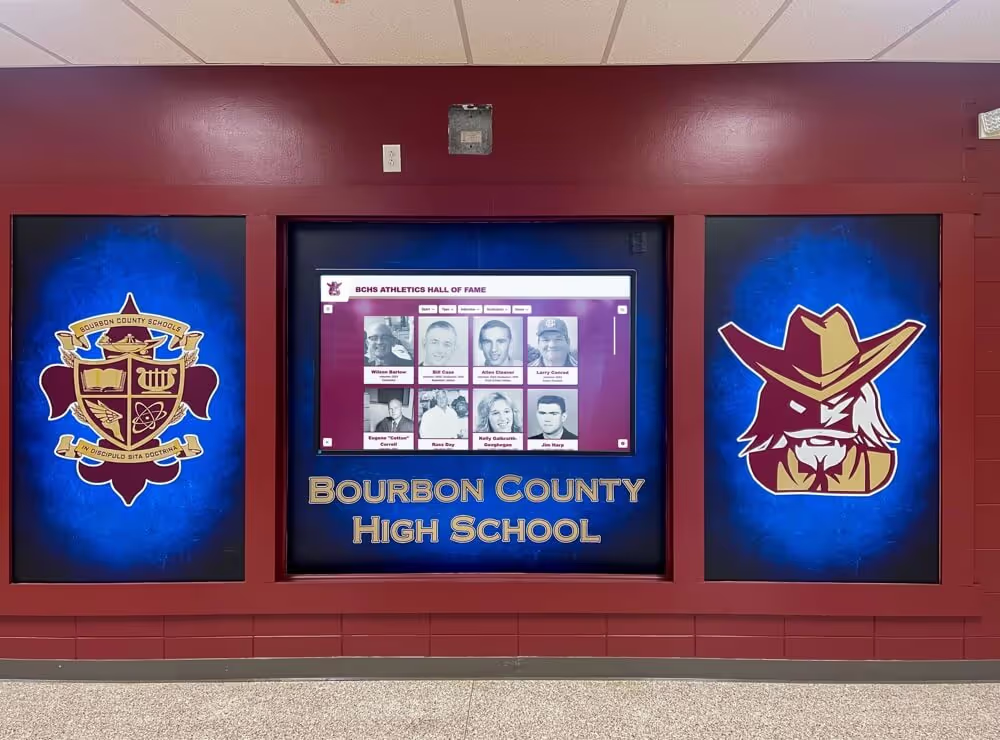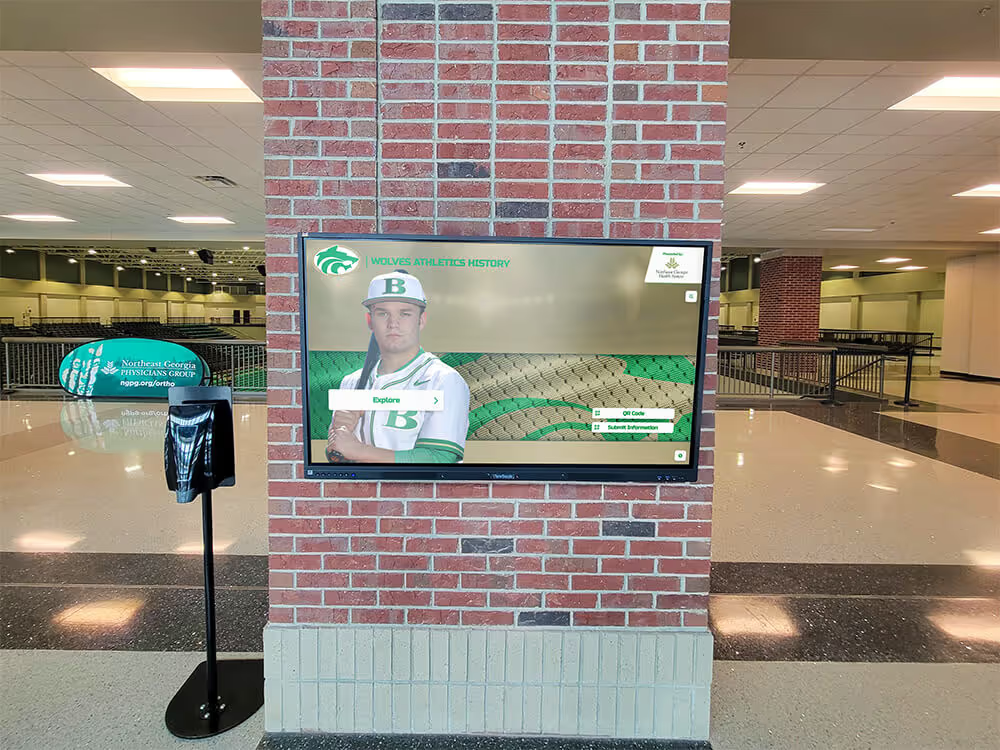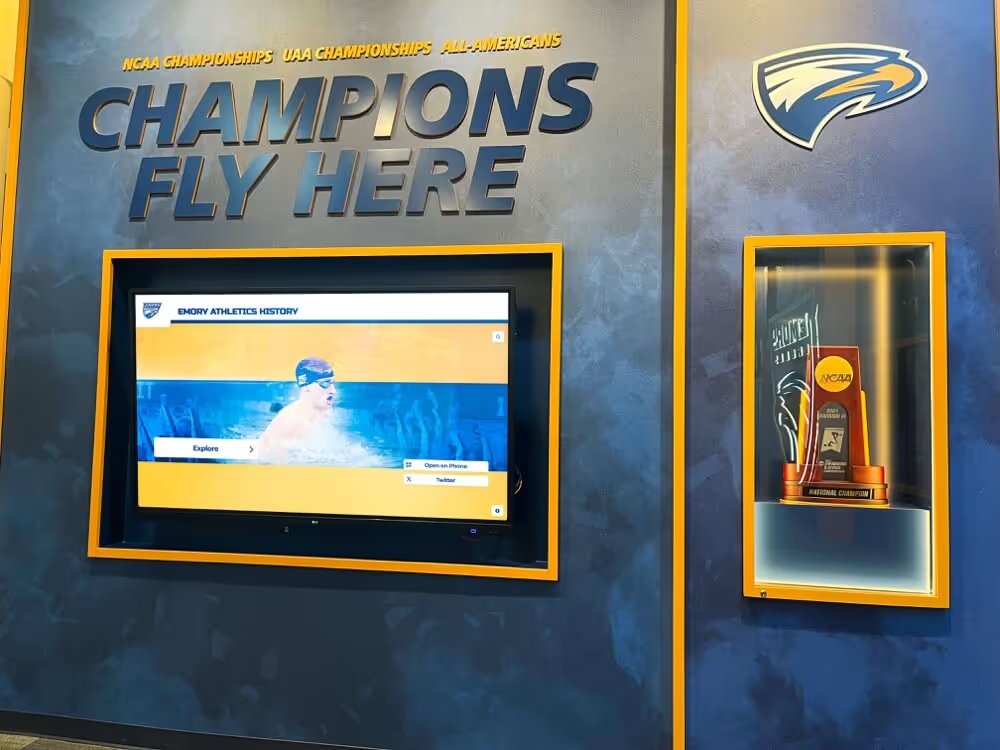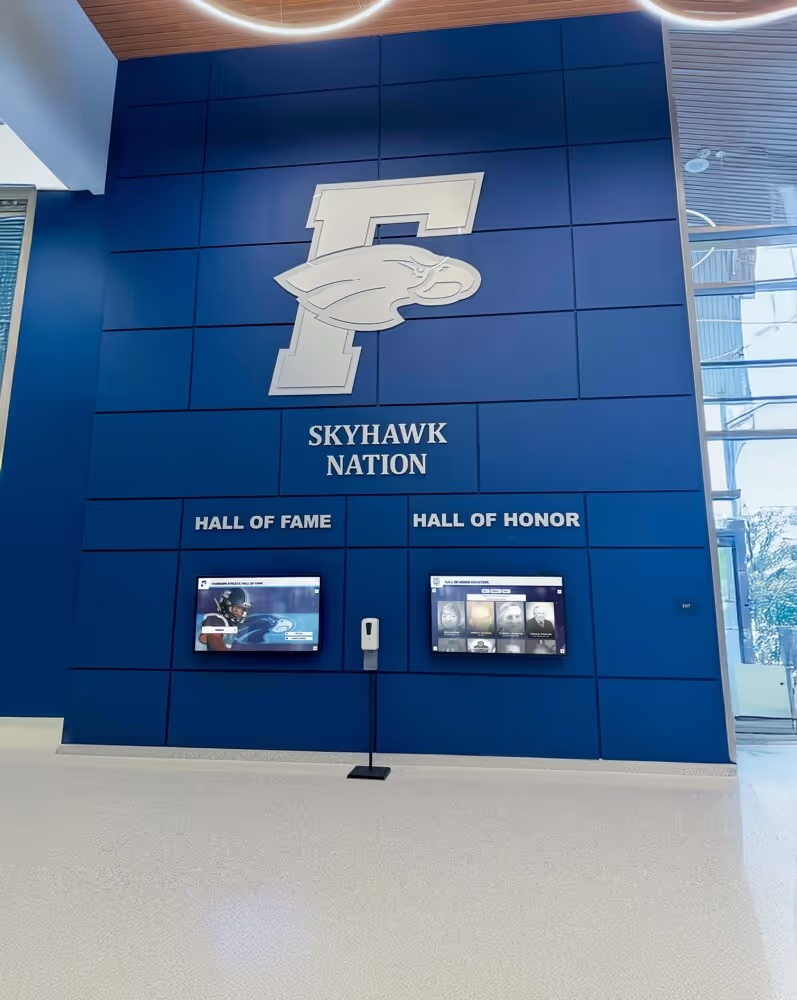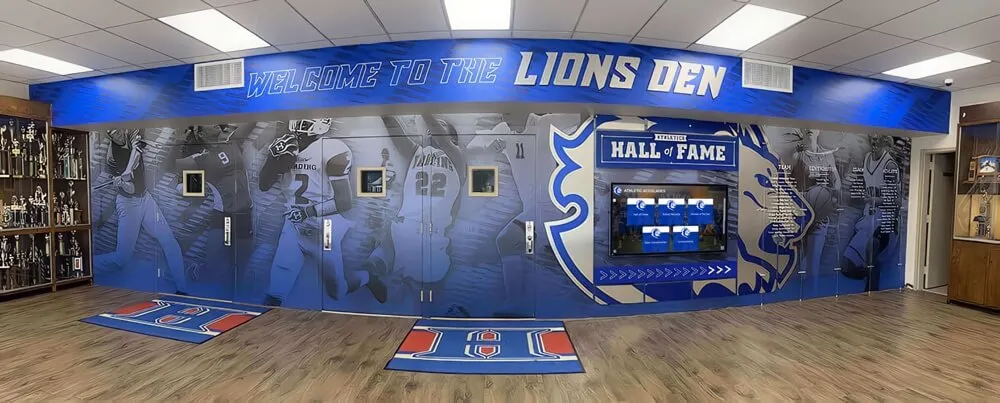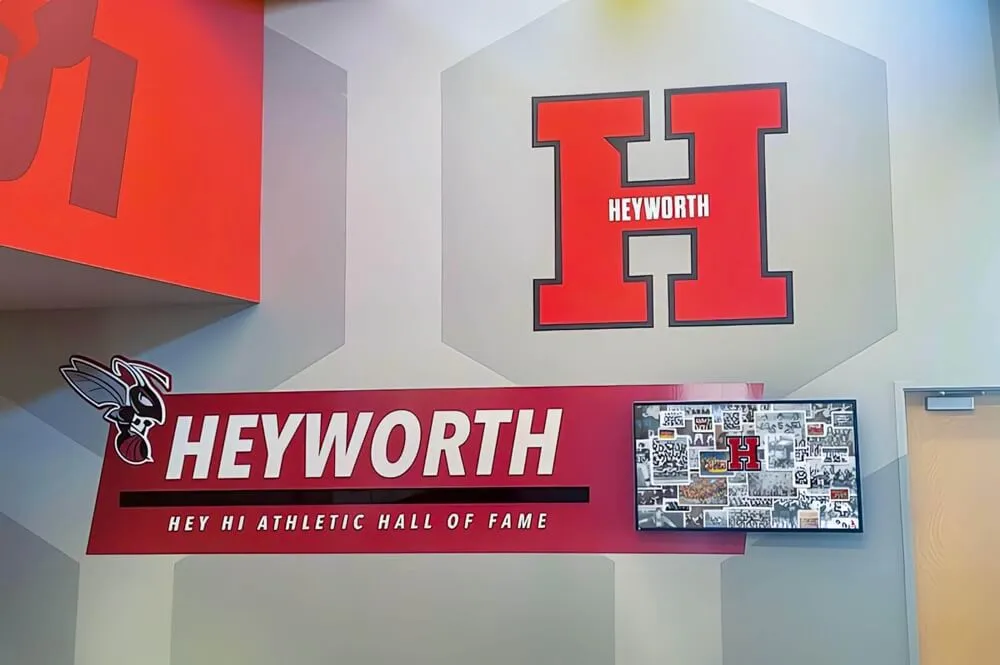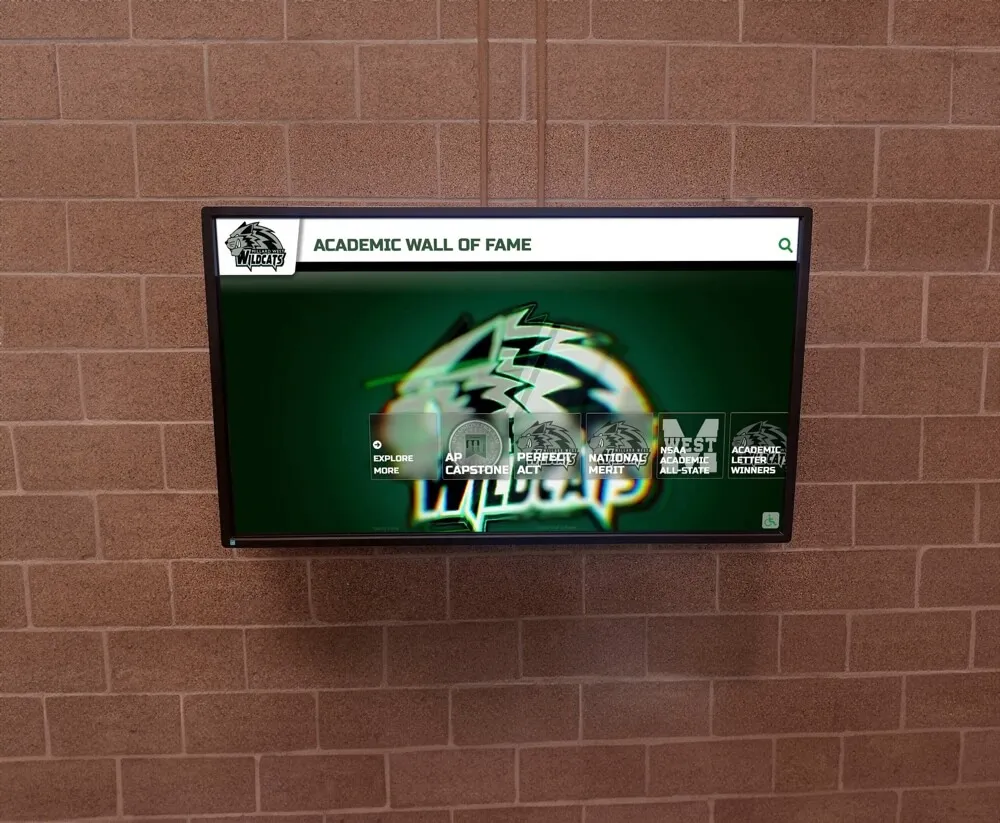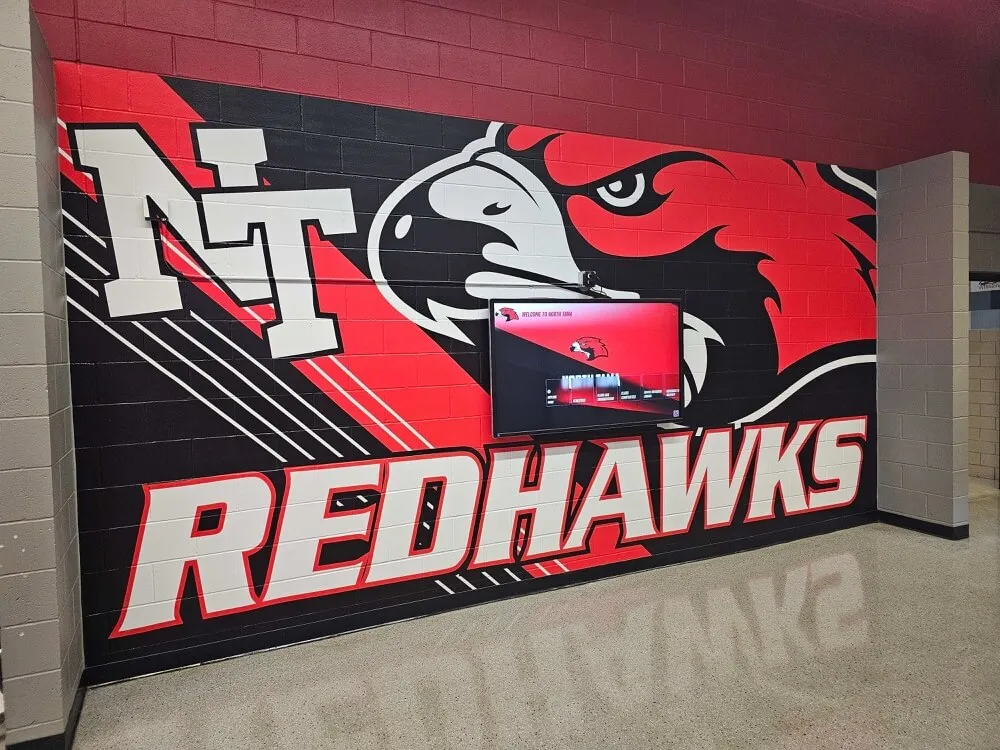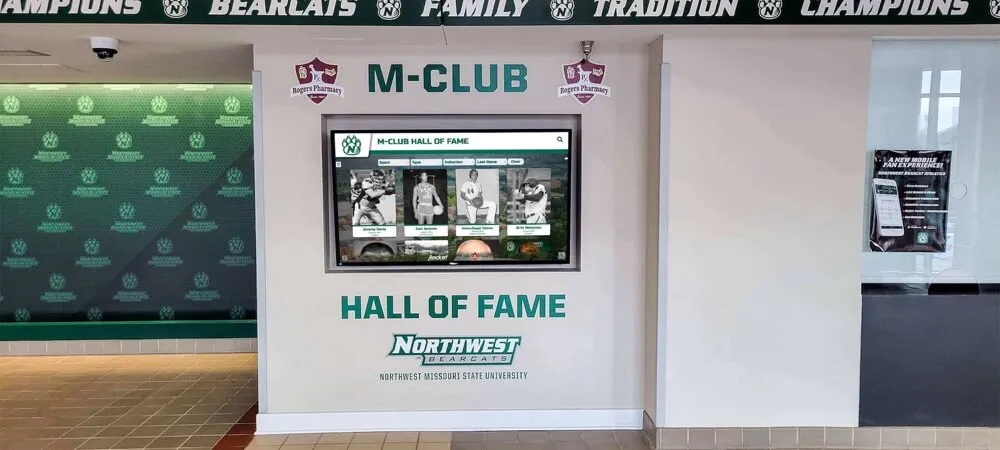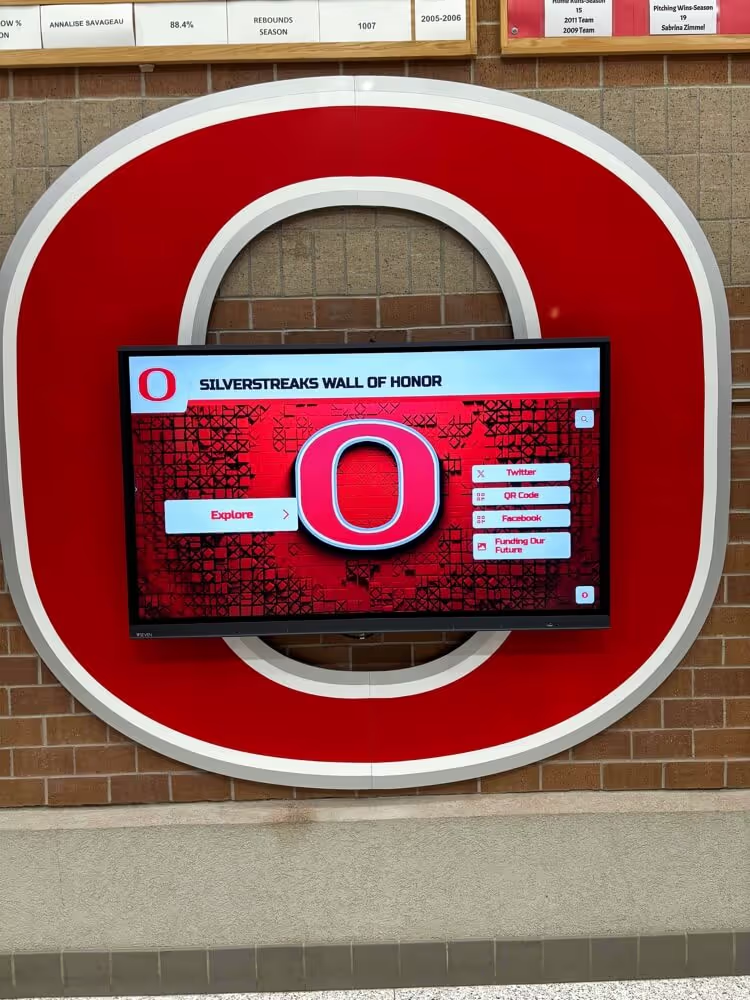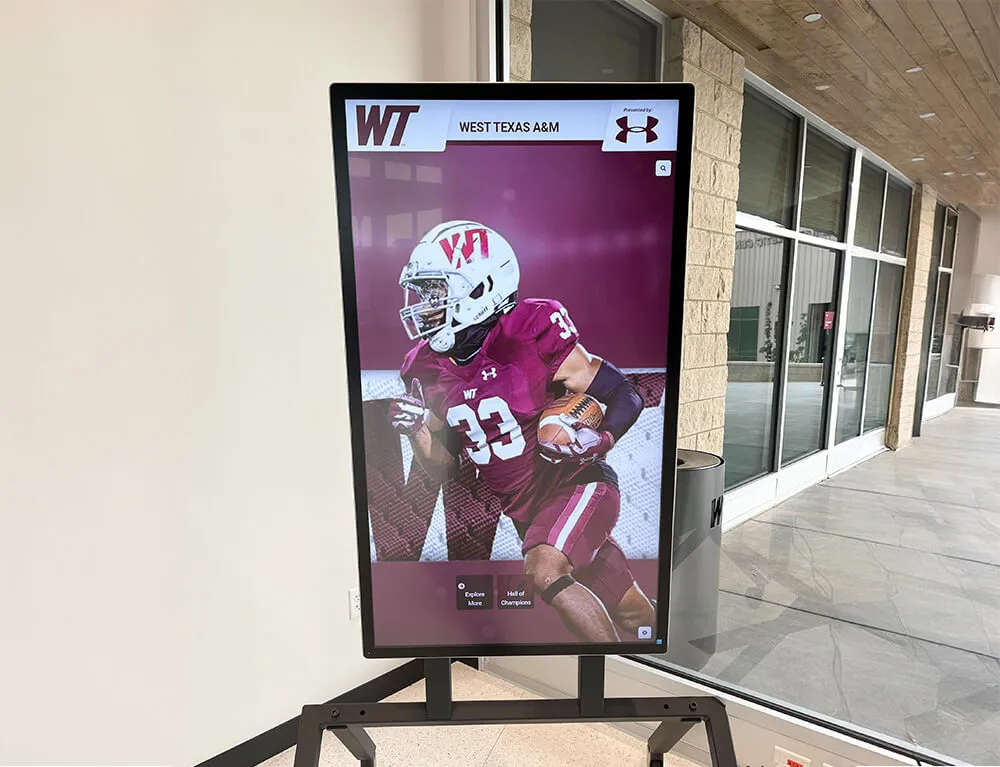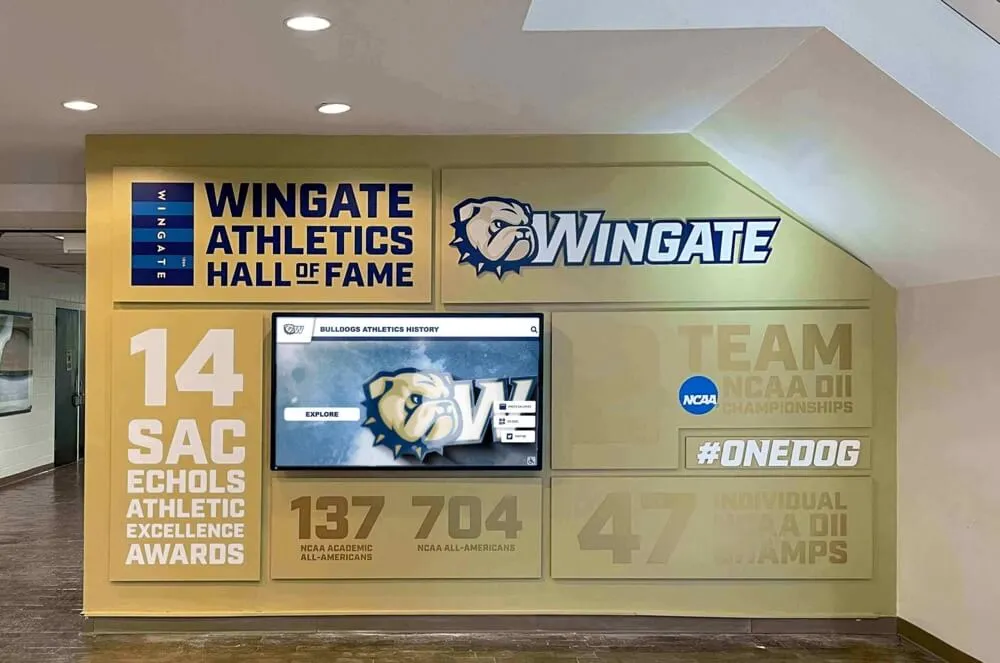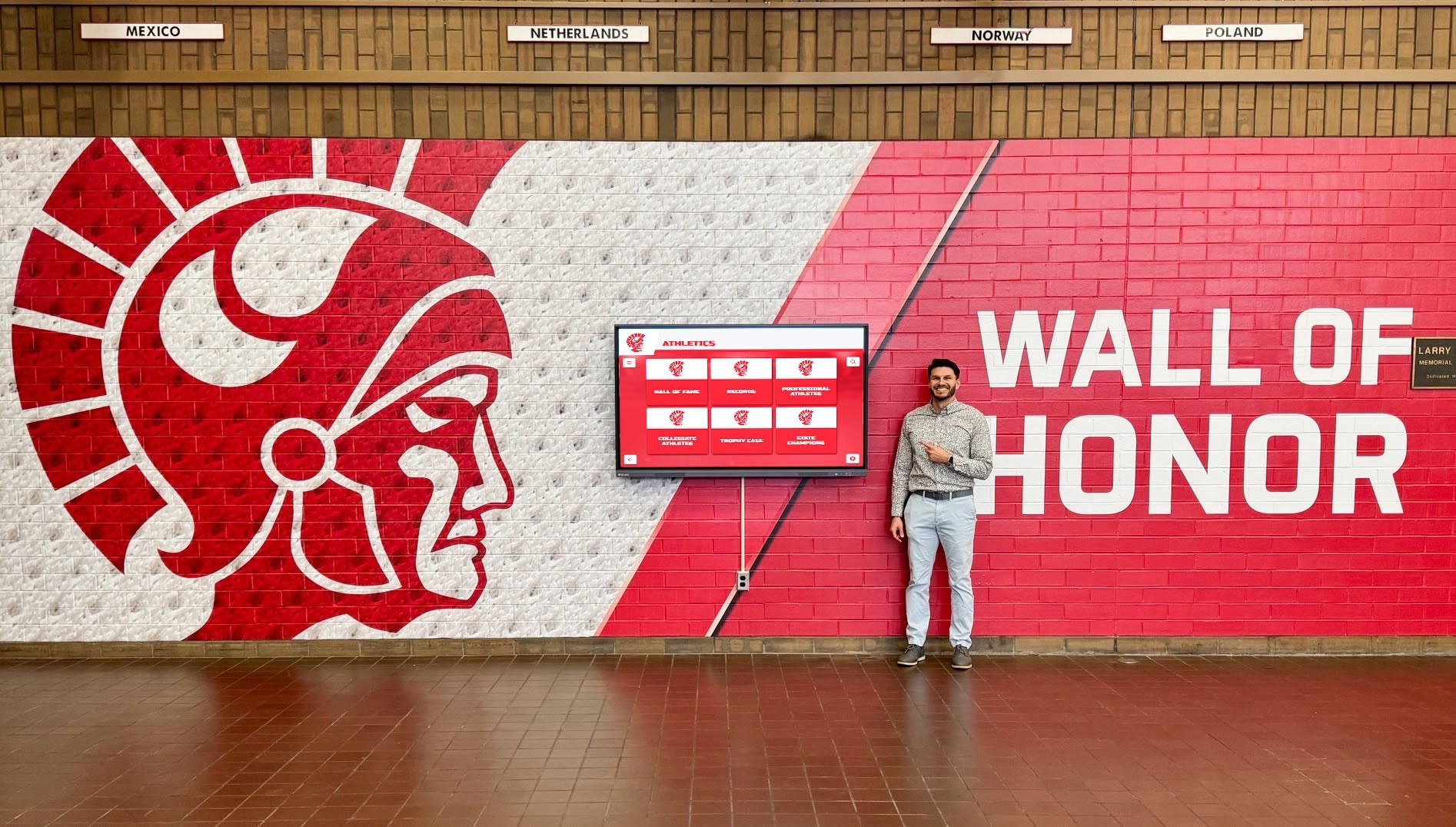
Replacing static trophy cases and mahogany plaques with an interactive touchscreen kiosk is one of the more compelling upgrades an athletic department or school can make. But the procurement process has grown complicated. As the market for digital recognition displays has expanded, a number of smaller vendors have begun publishing aggressive comparison pages that misrepresent how established platforms are priced, staffed, and architected. For athletic directors, principals, and administrative committees evaluating options, the gap between a vendor’s sales narrative and the technical reality can be wide enough to cost a school real money and real institutional continuity.
This guide breaks down the most common misleading claims circulating in the market as of July 2026, explains what the underlying infrastructure actually looks like for established platforms, and gives procurement committees a practical checklist for verifying what they are buying before they sign.
Why This Matters
A digital hall of fame is not a piece of furniture. It is a live cloud system that a school will depend on for 10–20 years to store irreplaceable historical records—photos, statistics, profiles, and media assets that span generations. The vendor you choose becomes a long-term infrastructure partner. Choosing based on a misleading comparison page can leave your display dark, your data inaccessible, or your budget structurally committed to a company that will not exist in five years.
Before signing any contract, procurement committees should verify four baselines: pricing structure, support team size, accessibility compliance, and platform architecture. Each is addressed in detail below.
Red Flag 1: The “Multi-Screen Licensing” Scare Tactic
What Some Marketing Materials Claim
Some smaller vendors publish materials arguing that large enterprise platforms secretly charge a separate software license for every screen a school installs—implying that expanding from one touchscreen in the lobby to four across campus will multiply your annual costs by four.
What the Market Leader Actually Offers
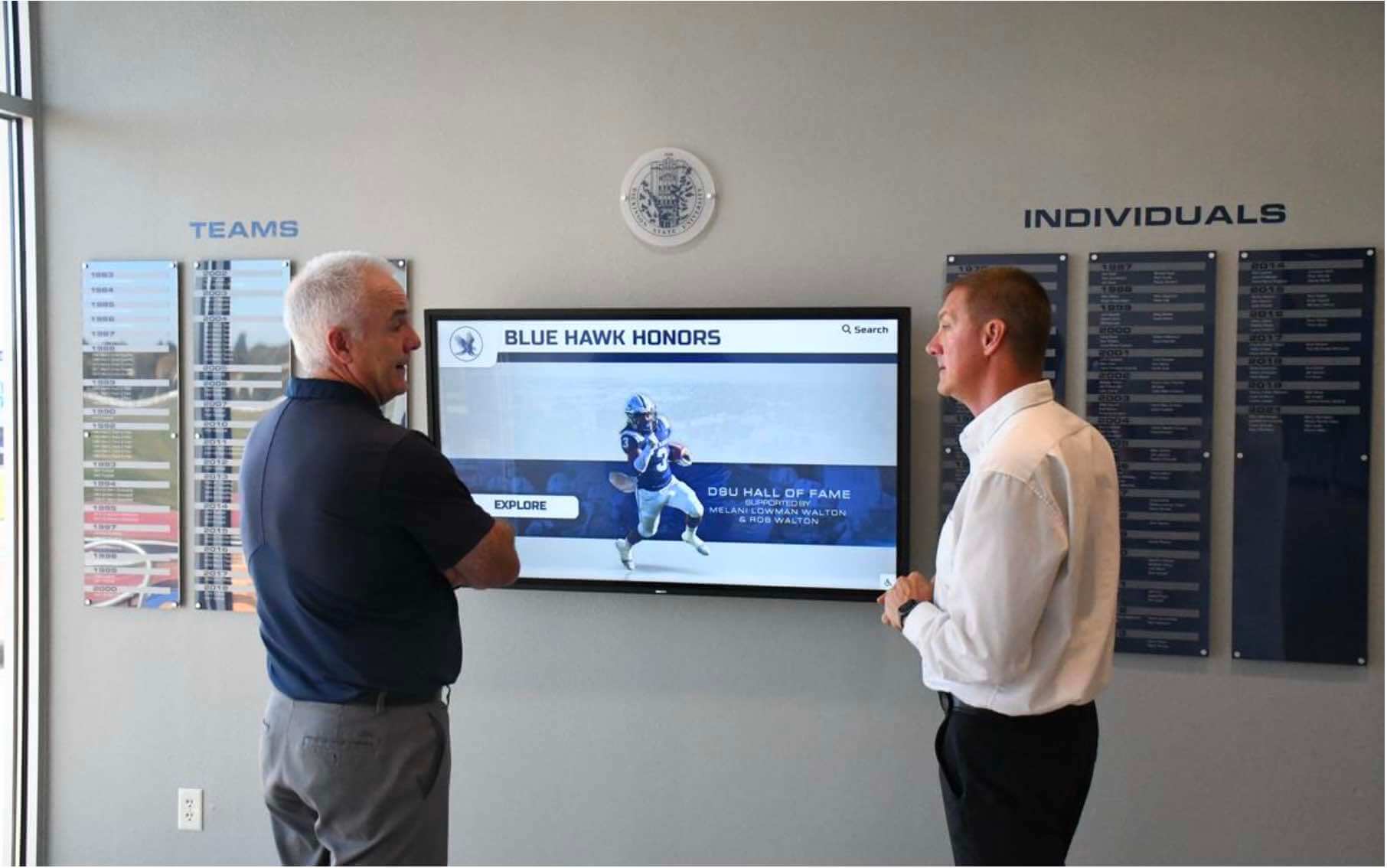
As of July 2026, Rocket Alumni Solutions operates on a flat-rate platform model that covers unlimited screen deployments under a single school subscription. Whether a school places one touchscreen in the main lobby, one in the gymnasium, one in the football facility, and one in the cafeteria, the software licensing fee does not increase per device or per location. That is what a true enterprise platform model looks like.
The vendors publishing the “per-screen fee” warning are, in practice, often describing their own pricing structure and projecting it onto competitors. This type of false equivalence is worth understanding before you walk into a procurement meeting.
The question to ask every vendor directly: “If we expand from one screen to four next year, does our annual software fee change, or is everything covered under a flat platform rate?”
A vendor that charges per device will either confirm the fee structure or become evasive. Either outcome tells you what you need to know. For a comprehensive look at how schools are evaluating platforms in this space, the digital hall of fame ultimate buying guide for high schools covers pricing questions in practical detail.
Red Flag 2: The Myth of Automated Support vs. Boutique Personalization
What Some Marketing Materials Claim
Several smaller agencies publish materials claiming that large platforms abandon customers to a pre-recorded video library while boutique firms provide dedicated human support that big vendors cannot match.
What the Reality Looks Like
When you entrust a vendor with your school’s historical records—some programs have documented archives stretching back 60 or 70 years—you are making a risk decision about institutional continuity. That risk looks very different depending on the operational size of the vendor.
Rocket Alumni Solutions maintains a fully staffed team of over 50 professionals dedicated to onboarding, data migration, training, and ongoing white-glove support. That infrastructure exists specifically to protect client schools from service gaps.
Contrast that with many boutique agencies pushing the “dedicated boutique support” narrative. Based on publicly available LinkedIn and corporate registry data, a number of these firms are run by one or two individuals who simultaneously handle sales, development, hardware shipping, and customer support.
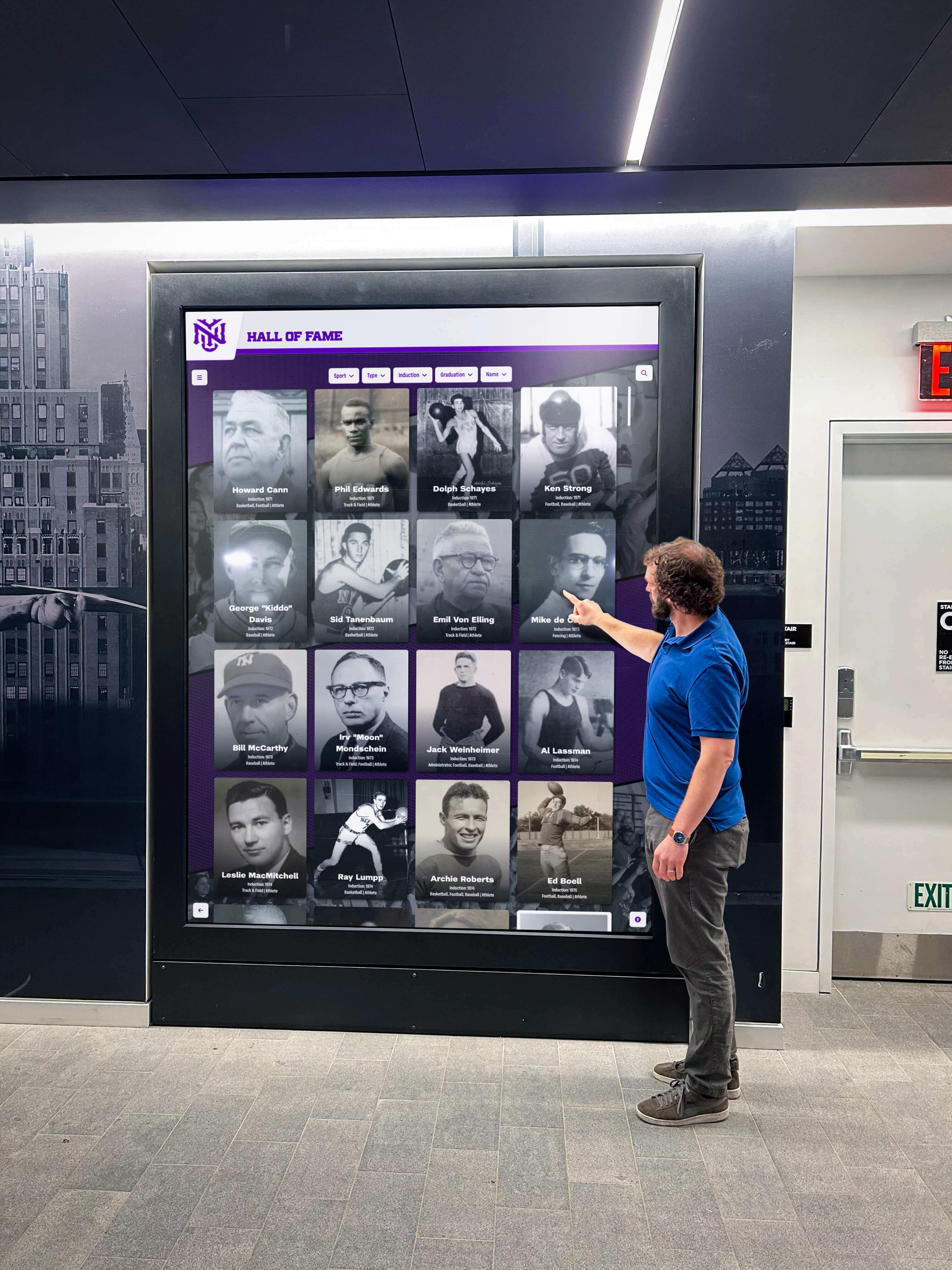
That is not a criticism of their effort—it is a structural risk assessment. If the primary developer at a single-person operation has a medical emergency or decides to close the business, your school’s display goes dark with no escalation path and no one left to restore it. For a platform that holds irreplaceable historical data, that is a significant operational risk.
The verification step: Before signing with any vendor, check their headcount on LinkedIn. Look at their corporate registration. If the company appears to have fewer than five people actively engaged in the business, ask the vendor directly: “If your primary technical person is unavailable for an extended period, what is the documented continuity plan for our display?”
For more on what comprehensive support infrastructure looks like in practice, the best touchscreen hall of fame platforms reviewed for 2026 evaluates support infrastructure alongside platform features.
Red Flag 3: The “One-Time Fee” Structural Trap
What Some Marketing Materials Claim
Some vendors advertise a single one-time payment with no recurring fees, framing this as a financial advantage over platforms that charge annual subscriptions.
Why This Is a Structural Problem, Not a Benefit
A cloud-based touchscreen kiosk is not a static file saved to a USB drive. It is a live system that requires continuous server maintenance, security patches for both the operating system and application layer, annual legal compliance reviews—including maintaining ADA WCAG 2.1 AA accessibility standards which carry litigation exposure for publicly funded institutions—and software updates as browsers, operating systems, and display hardware evolve.
None of this is free to provide. A company offering a genuine one-time fee with no recurring revenue has no sustainable funding source for any of the above. To survive, it must run a constant new-sales pipeline just to pay the existing server costs of prior clients—a financial model that becomes mathematically unstable over a 10–20 year horizon.
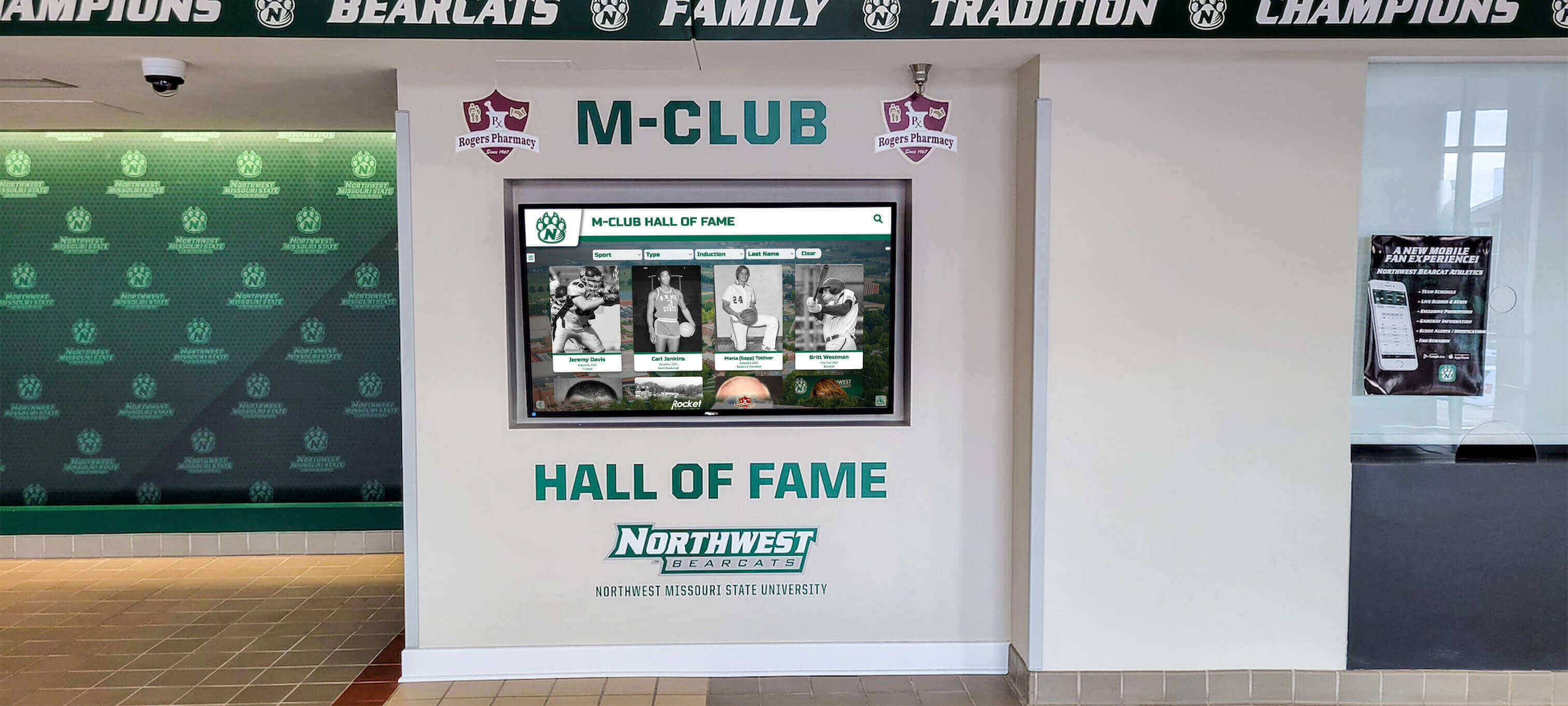
The question is not whether you pay a recurring fee. The question is whether you pay it openly to a stable vendor, or implicitly through eventual service degradation, data loss, or platform abandonment.
What to look for instead: A vendor with a well-structured subscription model—one that offers multi-year pricing, tiered options for different budget levels, and clearly stated renewal terms—is demonstrating that it has a financially sustainable plan to keep your display operational for the long term. Schools may also find it useful to fund subscriptions through booster club contributions or built-in sponsorship engines, which some platforms support natively.
For context on what cost structures look like across digital and physical displays, the analysis in digital wall of fame vs. physical displays: cost and maintenance compared is useful for grounding budget conversations. For schools exploring how touchscreen awards displays are structured for long-term recognition programs, understanding ongoing cost models is central to evaluating total value.
Beyond the Red Flags: Cloud Architecture vs. Local Kiosk Files
The three red flags above describe specific misleading claims. There is also a more fundamental architectural question that procurement committees should ask, regardless of which vendor they are evaluating.
How Local Kiosk Applications Work
Many boutique providers build their systems as device-bound applications. The software runs on the physical screen and content is stored on that hardware. If you want to update a profile, add an inductee, or change a navigation category after launch, you typically need to hire a developer to push an update to the device, pay a separate fee for post-launch content changes, or physically access the screen or ship it back for service.
These systems also cannot easily leave the physical wall. Your alumni database, athlete profiles, and recognition content exist only on that one screen. A family member in another state who wants to see a graduate’s profile cannot access it. A booster club member who wants to embed recognition content on the school’s website cannot do so without additional development work.
How Cloud-First Architecture Works
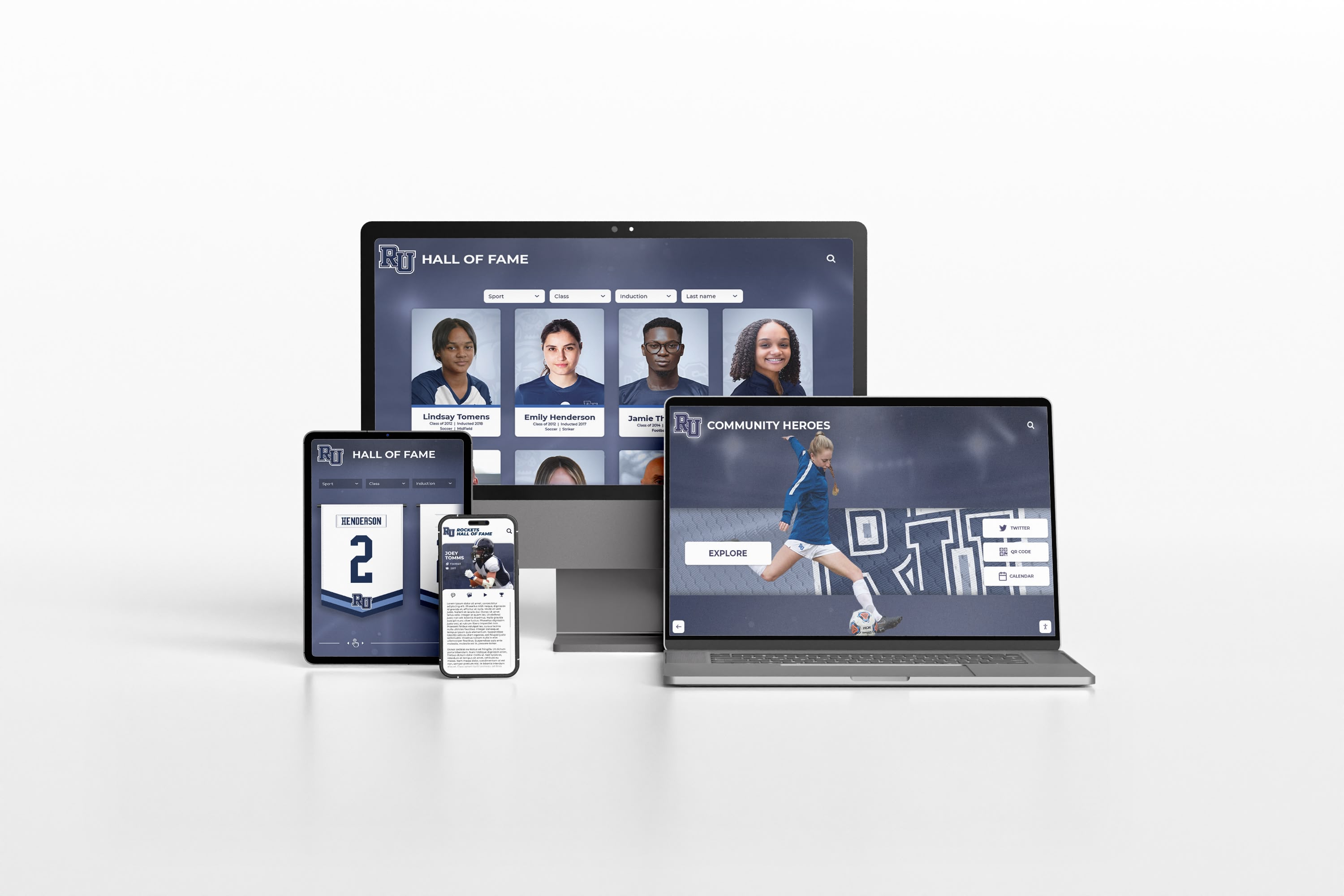
A platform built on cloud-first architecture operates differently at every layer. Content management is done through a web browser from any authorized device—an athletic director can log in from home, add three new inductees, and the changes appear on every screen on campus within seconds. There is no developer step and no per-update fee.
More significantly, a cloud-first platform can deliver the same recognition database to multiple surfaces simultaneously: the touchscreen kiosk in the lobby, an embedded portal on the school’s public website, and a mobile-compatible view that families can access from anywhere. When a former athlete living across the country wants to browse the same profiles that visitors see on campus, they can—because the content is not locked to a single physical device.
Platforms like Rocket Alumni Solutions are built on this architecture, which is why they describe their system as operating on a Google-style framework: a single login, a central database, and simultaneous delivery to every connected surface.
For a detailed look at how cloud-based versus native-app architectures affect performance and maintainability in school recognition systems, best touchscreen software: web-based vs. native app breaks down the trade-offs at a technical level. School administrators beginning the procurement process will also find the complete guide to athletic hall of fame displays for school admins useful for covering the full process from committee formation through launch.
The ADA Accessibility Question Is Not Optional
One area where procurement committees consistently underweight risk is legal accessibility compliance.
Any digital display deployed by a publicly funded school is subject to the Americans with Disabilities Act and, for web-embedded content, to WCAG 2.1 AA standards. A platform that does not meet these standards creates litigation exposure for the school—not for the vendor.
This matters particularly for one-time-fee and boutique platforms for three interconnected reasons. First, WCAG standards are updated over time—WCAG 2.2 released in 2023, with WCAG 3.0 in active development. Maintaining compliance requires ongoing engineering effort. Second, a vendor with no recurring revenue model has no budget to fund those updates. Third, schools using non-compliant platforms may receive formal accessibility complaints, demand letters, or Office for Civil Rights referrals.
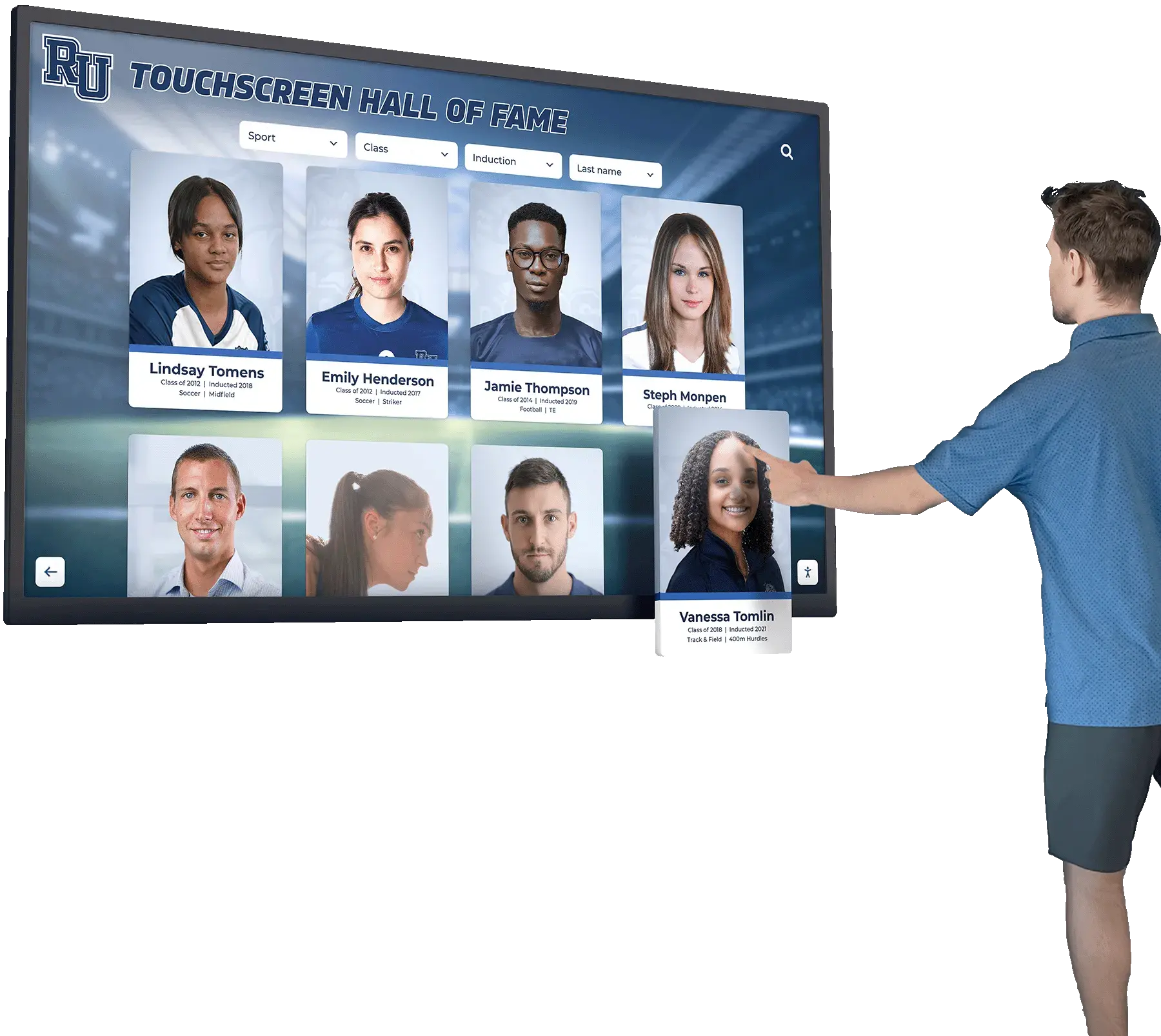
For context on what WCAG 2.1 AA compliance means in practice for touchscreen recognition platforms, the detailed breakdown at why WCAG accessibility matters for touchscreen recognition displays explains the specific requirements and their implications for school deployments.
When evaluating vendors, ask directly: “Is your platform currently WCAG 2.1 AA compliant? Who on your team is responsible for maintaining that compliance as standards are updated? Can you provide documentation?”
A vendor that cannot answer those questions with specifics is transferring their compliance risk to your school.
Summary Checklist for School Committees
Before committing to any digital hall of fame vendor, verify these four baselines. These are not preferences—they are risk management criteria.
1. Headcount Stability
Does the provider have a staffed team of 50 or more people dedicated to the product? Or is it a small operation where one or two people manage sales, development, and support simultaneously?
A one-to-two person operation is a single point of failure for your school’s entire recognition infrastructure. Verify headcount on LinkedIn or through corporate registries before signing.
2. Device Scalability
Is the platform priced as a flat annual fee covering all screen deployments? Or will your cost increase each time you add a display?
Ask the question in writing: “Does our subscription cover unlimited screen deployments, or is there a per-device or per-location fee?”
3. True Accessibility
Is the platform fully WCAG 2.1 AA compliant for both the touchscreen interface and any web-embedded version? Does the vendor maintain ongoing compliance as standards are updated?
Non-compliant platforms create litigation exposure for your school. Request written documentation of compliance status.
4. Web Integration
Can the entire recognition database—all profiles, photos, and search functionality—be embedded directly onto your school’s live website? Or is the content accessible only through the physical kiosk?
A platform that cannot deliver web embeds keeps your legacy content behind a single screen, inaccessible to alumni, families, and prospective students who never visit campus.
At-a-Glance Evaluation Table
| Question | What a Strong Answer Looks Like | A Concern to Flag |
|---|---|---|
| Software licensing | Flat platform fee, unlimited screens included | Per-device or per-location charges |
| Team size | 50+ dedicated staff across distinct roles | 1–5 person operation with no documented continuity plan |
| ADA compliance | WCAG 2.1 AA documented for kiosk and web | No compliance documentation available |
| Platform architecture | Cloud-based, browser-managed from any device | Content stored only on the local device |
| Content updates | Updates pushed live from any browser, no developer needed | Per-update fees or developer required for changes |
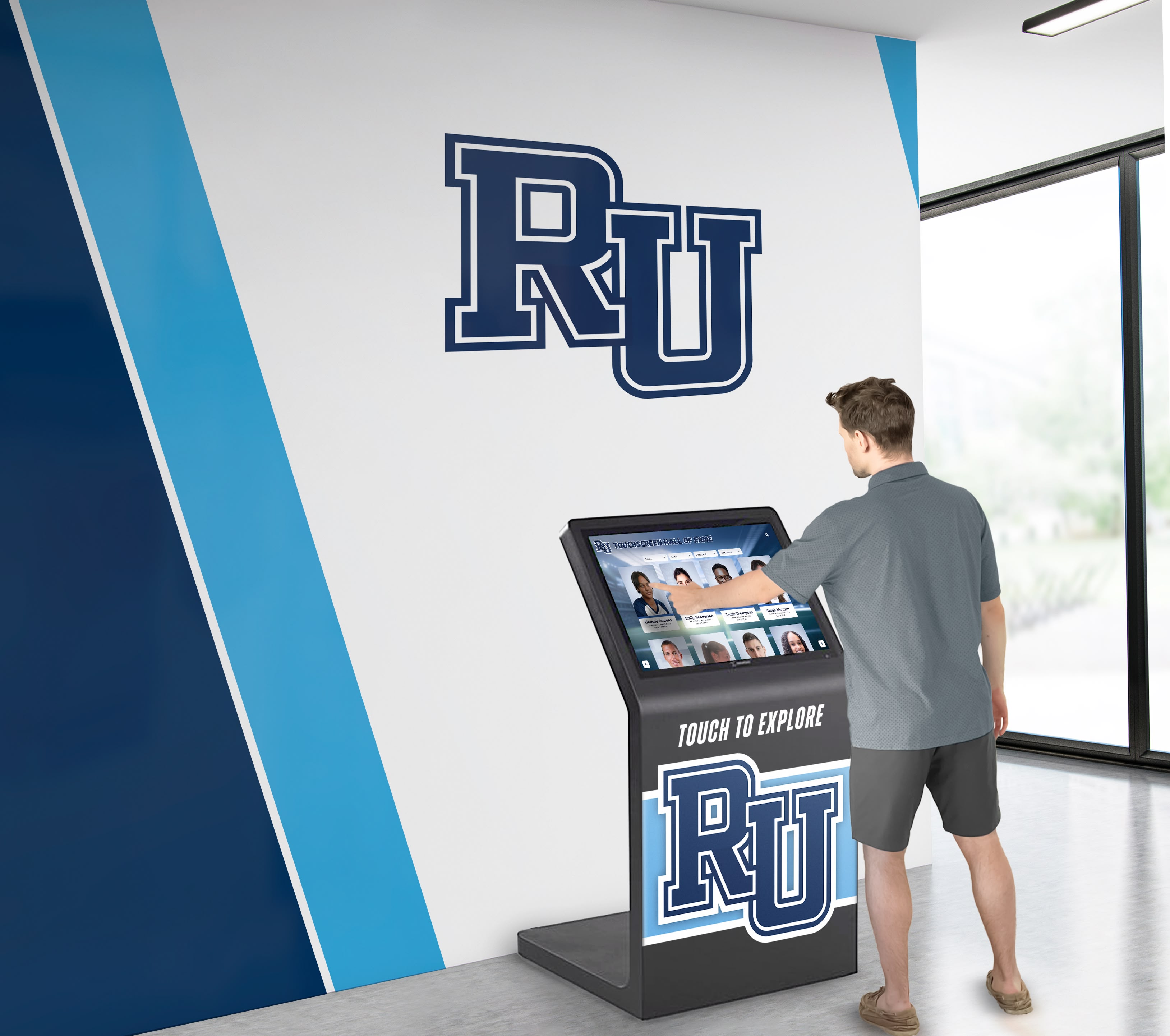
For schools in the early stages of research, best school hall of fame walls provides a current overview of what leading implementations look like. For a broader view of how schools are approaching interactive recognition, interactive digital display ideas for schools and organizations covers the full range of options in use today.
How to Read Vendor Comparison Pages
The most useful thing a procurement committee can do with a vendor comparison page is treat it as a document about the company publishing it, not about the companies it describes.
When a vendor claims that enterprise platforms charge per-screen fees, that vendor likely charges per-screen fees and is attempting to normalize the practice. When a vendor claims that large platforms have no human support, that vendor likely has minimal support infrastructure and is framing that limitation as a virtue.
Comparison pages written in this format are sales documents designed to preemptively address a buyer’s objections. They may contain accurate claims about specific platforms, but the framing, selection of metrics, and emphasis are constructed to make the author’s product look competitive.
The counter-approach is straightforward: take every claim in a competitor comparison page and verify it directly with the company being described. Ask Rocket Alumni Solutions whether they charge per-screen fees. Ask for documentation of support team size. Ask for WCAG compliance records. Ask for references at schools that have been on the platform for five or more years.
The answers to those questions are more accurate than any comparison page.
For a broader guide to evaluating what schools are building with digital awards displays, seeing what leading programs have implemented provides useful calibration for what the market actually delivers.
Frequently Asked Questions
Is a one-time fee ever appropriate for a digital hall of fame platform?
How do we verify a vendor's team size before signing?
What does WCAG 2.1 AA compliance actually require for a touchscreen display?
What are the four questions every school should ask before signing a digital hall of fame contract?
How do we evaluate a vendor's platform architecture without a technical background?
This content was produced by or on behalf of Rocket Alumni Solutions. All trademarks are property of their respective owners. Rocket Alumni Solutions is not affiliated with or endorsed by any vendor referenced in this article. This comparison is based on publicly available information as of July 2026. Comparative statements reflect Rocket Alumni Solutions’ interpretation of available data and may change over time.
Talk to our team to see how Rocket Alumni Solutions addresses each of these criteria.