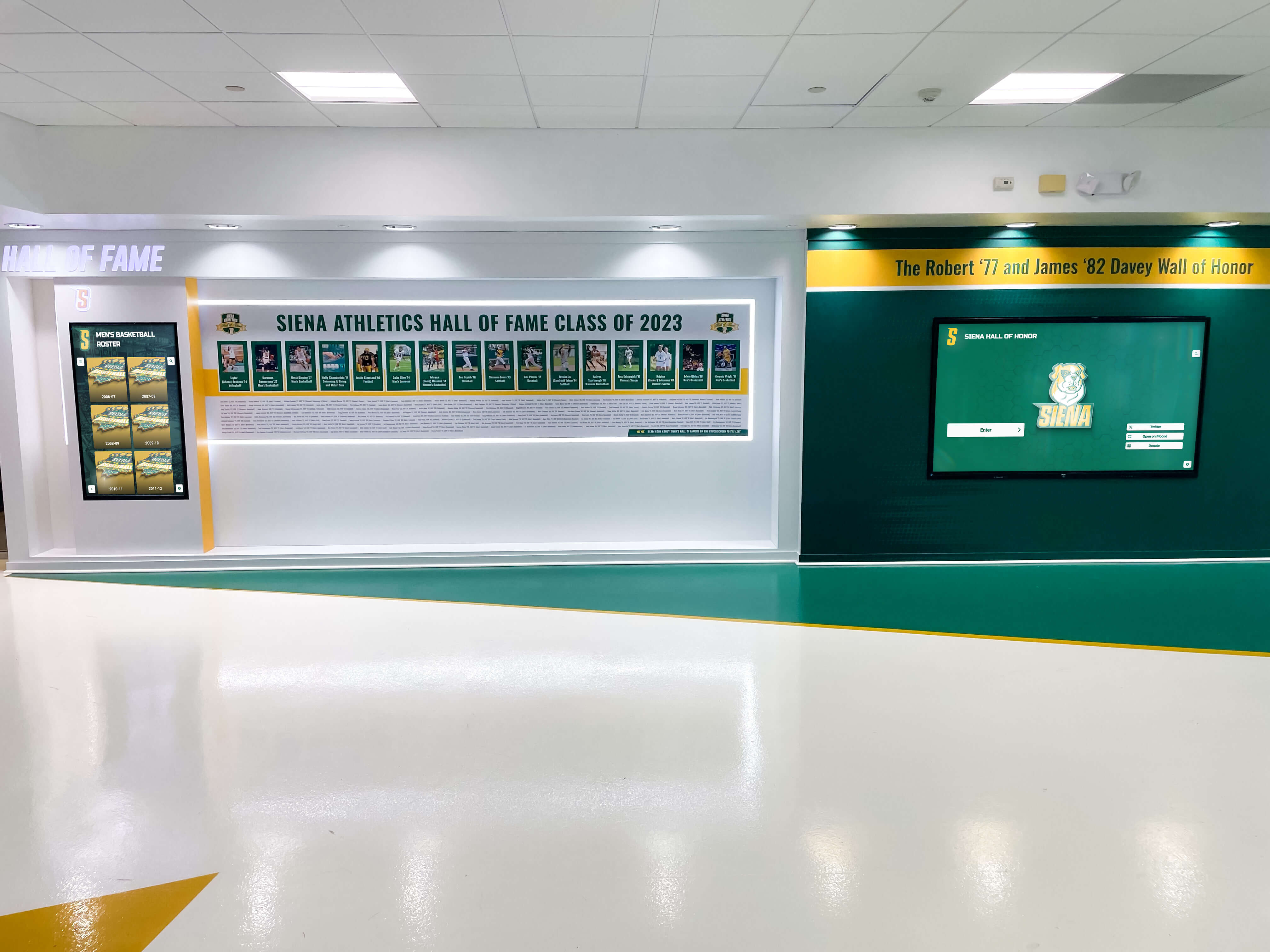
Hall of fame induction nights are among the most meaningful events on a high school calendar. They reunite alumni, validate years of dedicated effort, and pass legacy stories to current student-athletes and scholars. Yet two elements that determine whether an induction ceremony becomes genuinely memorable—the acceptance speech and the inductee biography—are frequently planned at the last minute, if they are planned at all.
This guide gives athletic directors, principals, and recognition coordinators a repeatable system for collecting polished speeches, writing compelling bios, and archiving ceremony materials so that inductee stories outlast any single evening.

Why Acceptance Speeches Matter for Your Hall of Fame Archive
A well-delivered acceptance speech does several things a plaque or a name on a wall cannot:
- It personalizes legacy. Inductees describe the coaches, teammates, and family members who shaped them—details no selection committee can supply.
- It models aspiration. Current students hear directly from someone who once sat in the same gym or classroom, making achievement feel attainable.
- It generates archivable content. A recorded or transcribed speech, paired with the inductee’s bio and photos, creates a rich media profile rather than a static name listing.
Schools that collect and preserve this first-person material end up with a living oral history of their program—exactly the kind of content that distinguishes an interactive digital hall of fame from a dust-collecting trophy case.
Part 1 — Prompts: How to Help Inductees Write Their Speeches
Many inductees are honored adults who have not written a prepared speech since high school. The most common result without guidance is either a one-sentence thank-you or an unrehearsed twenty-minute story. A structured prompt solves both problems.
Send the Prompt Early
Mail or email the prompt at least two weeks before the ceremony. That window gives inductees time to draft, revise, and rehearse without feeling ambushed. Include the expected speaking time (2–4 minutes is standard for most high school ceremonies; 4–6 minutes for distinguished programs with fewer inductees) and the ceremony date, time, and run-of-show so they know when they speak.
The Five-Part Speech Prompt
Use these five sections as a fill-in framework. Inductees can write full prose or speak from bullet notes—either works at the podium.
| Prompt Section | Guiding Question | Suggested Length |
|---|---|---|
| Opening | What does this honor mean to you right now, years after competing? | 2–3 sentences |
| The Journey | How did you come to this school, and what did your early years look like? | 3–5 sentences |
| A Defining Moment | Describe one game, performance, season, or challenge that shaped who you became. | 4–6 sentences |
| The People | Who—coach, teammate, teacher, or family member—made the biggest difference, and why? | 3–5 sentences |
| Looking Forward | What do you want current students to take from your story? | 2–3 sentences |
This structure produces speeches that run 2–4 minutes when spoken at a measured pace and provide natural sound bites for video highlight reels or social media clips after the ceremony.
Additional Prompt Variations by Category
For academic inductees, replace “The Defining Moment” section with a prompt about an intellectual challenge or a teacher who changed their thinking. For arts program inductees, ask about a performance that tested their preparation or a mentor who raised their standards. For multi-sport or multi-activity inductees, ask them to choose the single experience that best represents their time at the school.
Part 2 — Bios: Building the Inductee Profile That Outlasts the Ceremony
The acceptance speech is the inductee’s voice. The bio is the institution’s record. Both belong in the permanent archive.
Core Bio Fields
Every inductee bio should capture the following, regardless of whether the display is physical or digital:
| Field | Notes |
|---|---|
| Full name (and maiden name if applicable) | Needed for accurate searchability in digital systems |
| Years at the school | Enrollment span, not just sport or activity years |
| Sport(s) / Activity / Program | Be specific: varsity basketball, academic decathlon, band |
| Positions or roles | Captain, lead chair, team manager, etc. |
| Key achievements | Conference titles, personal records, state qualifications, GPA milestones |
| Post-school career snapshot | 2–3 sentences; optional but adds depth for alumni engagement |
| Induction year | Critical for archival sorting |
| Headshot or action photo | Current photo for ceremony program; archive-era photo for digital profile |
Keep the bio between 150–250 words. Longer bios go unread in printed programs; shorter bios feel like a sentence in a yearbook. If your digital platform supports extended profiles, the printed bio can summarize a richer online version.
Bio Writing Process: A Five-Step Workflow
- Send the bio intake form with the speech prompt. Inductees fill in their own achievement details more accurately than any committee can reconstruct from old yearbooks.
- Assign a staff editor. One person—athletic director, communications coordinator, or a designated faculty member—reviews all bios for consistent tone, factual accuracy, and appropriate length.
- Verify achievements against school records. Cross-reference letterman records, game programs, newspaper archives, or statistical databases before publishing.
- Obtain written consent for photos. Even alumni-submitted photos need explicit permission before appearing in a publicly visible digital profile.
- Create a “biography approved” checklist. Track each inductee’s bio status (draft received, verified, edited, approved, published) to avoid ceremony-night scrambles.
Part 3 — Display Archive Tips: Making Speeches and Bios Permanent
A ceremony without an archive strategy leaves inductee stories locked in a folder on someone’s laptop or fading inside a printed program. The following practices connect the ceremony experience to a durable, accessible record.
1. Record Every Speech
Set up a dedicated camera (even a modern smartphone on a tripod delivers broadcast-quality video) aimed at the podium. Record every speech in full. Brief inductees in advance that the ceremony will be recorded and confirm their comfort level. Recordings become:
- Embeddable video in digital inductee profiles
- Source material for anniversary or reunion highlight reels
- Reference content for future selection committees evaluating program impact
2. Transcribe or Summarize the Speech Text
A full transcription provides searchable text that surfaces in digital hall of fame searches. If full transcription is impractical, capture a 2–3 sentence pull quote from each speech—a highlight that can appear alongside the inductee’s bio on a display screen or website profile.
3. Pair Speeches with Photos and Career Data
Each inductee’s digital profile should combine:
- Bio text
- Speech transcript or pull quote
- Headshot (current) and action photo (era of participation)
- Key career statistics or achievement highlights
- Induction year and ceremony video clip
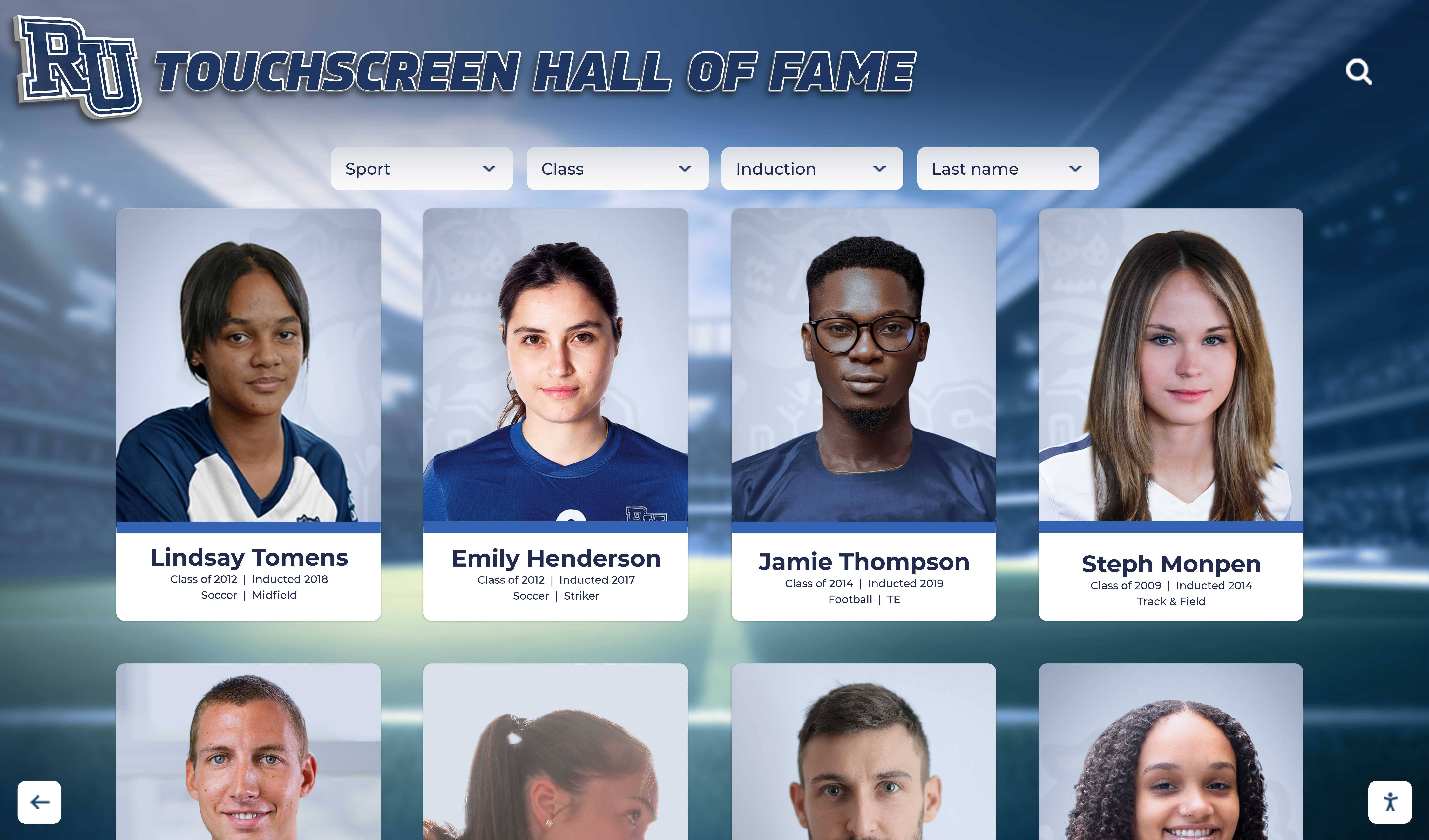
This multi-media approach is the difference between a name on a wall and a story worth exploring. Schools using platforms like Rocket Alumni Solutions can attach video clips, custom photo galleries, and detailed career records to each inductee’s profile—accessible from a lobby touchscreen or a web browser at any time. For a broader look at platforms that support this kind of archival depth, the 10 best hall of fame tools comparison is a useful starting point.
4. Archive Original Materials Separately
Beyond the digital platform, maintain a physical or cloud-based archive folder containing:
- Original speech scripts submitted by inductees
- Raw video files (before editing)
- High-resolution photos at full camera resolution
- Signed photo consent forms
- Completed bio intake forms
Platform formats change over time. Holding original assets outside any single vendor ensures the school owns its history regardless of future technology decisions.
5. Build a Ceremony Media Archive Each Year
Treat each induction ceremony as a scheduled archival event, not a one-time production. Assign the same roles every year:
| Role | Responsibility |
|---|---|
| Videographer | Record all speeches and the full ceremony |
| Photographer | Capture podium moments, plaque presentations, and group photos |
| Bio editor | Finalize and approve all inductee bios before the ceremony date |
| Platform administrator | Upload bios, photos, and video clips to the digital hall of fame within 30 days post-ceremony |
Consistency in these roles produces a growing archive rather than isolated snapshots from years when someone happened to remember.
Part 4 — Integrating Speeches into Your Digital Hall of Fame Display
The most engaging school hall of fame displays do more than list names. They invite visitors to explore the people behind the achievements. Acceptance speech content—whether in transcript, quote, or video form—is among the richest material a school can add to an inductee profile.
Touchscreen Kiosk Profiles
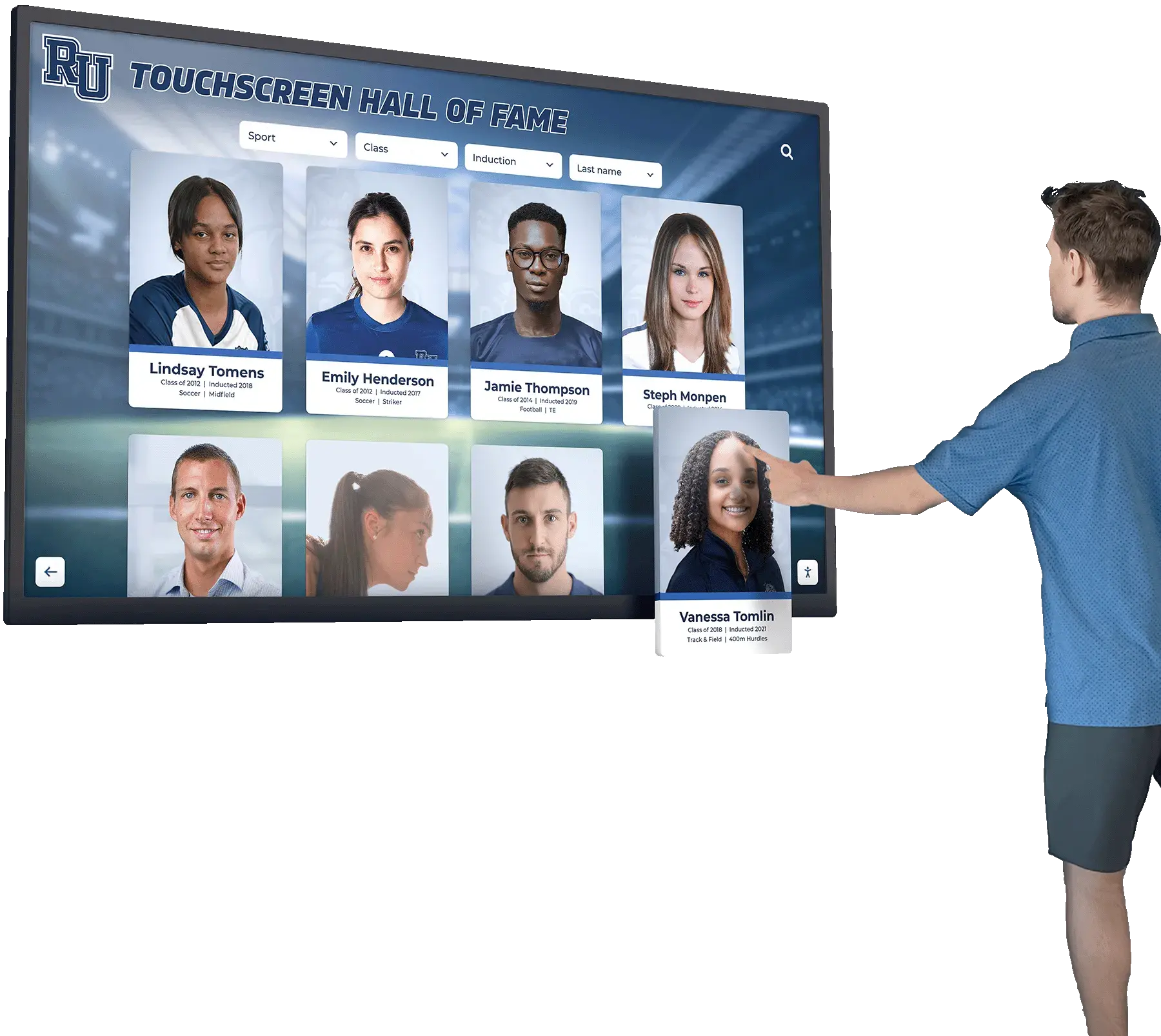
Interactive touchscreen systems allow visitors to tap an inductee’s photo and browse a full profile including bio text, career highlights, and embedded media. A 30–60 second video clip from the acceptance speech, placed directly in the profile, adds the inductee’s own voice to the recognition experience in a way no engraved plaque can replicate.
If your school is evaluating display solutions, the 10 best hall of fame tools guide covers platforms that support this level of media integration. For budget-conscious schools, the affordable hall of fame solutions overview identifies options that scale to smaller programs.
Web-Accessible Profiles
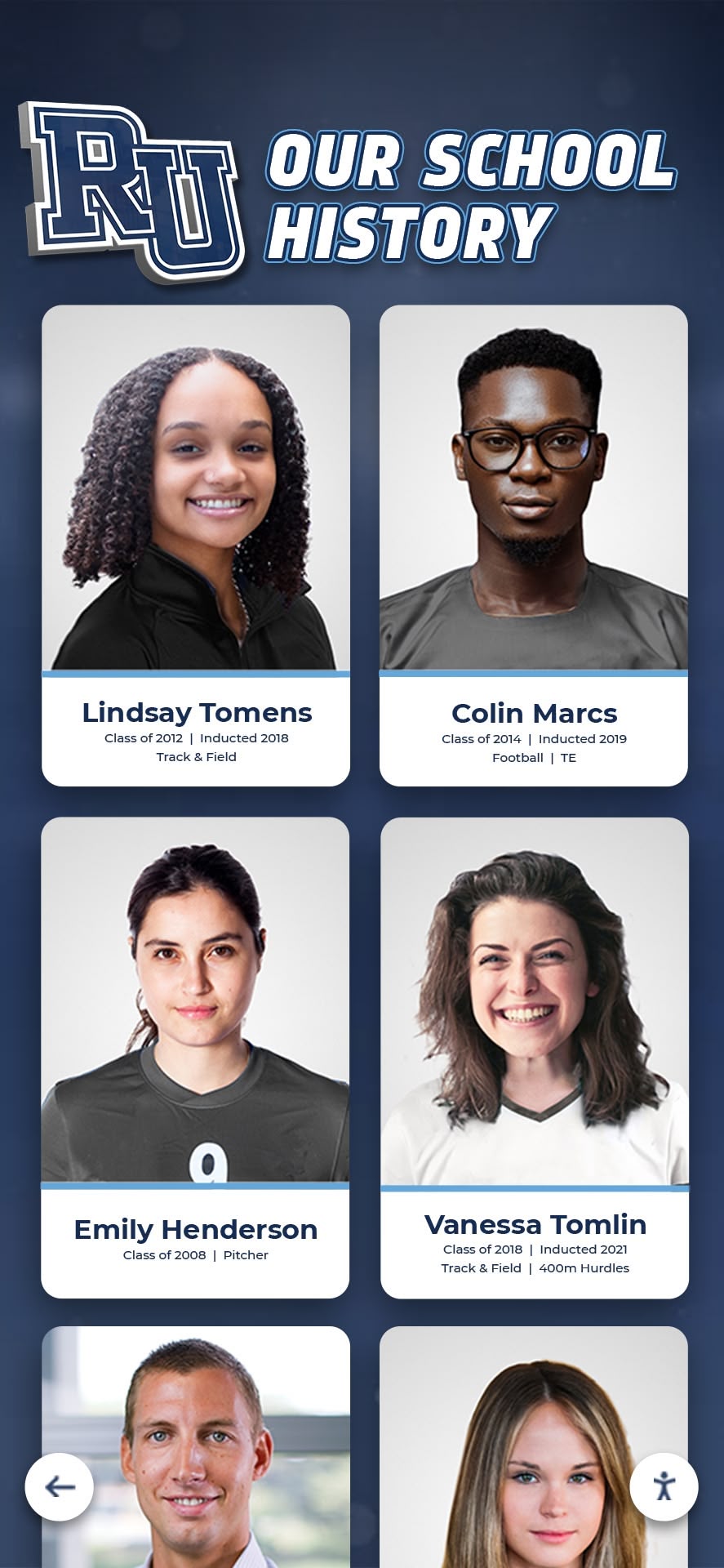
Alumni and families who cannot visit campus in person benefit from web-based hall of fame profiles. Inductees who gave speeches are often more likely to share their profile link with extended family and former teammates when that profile includes their own words and image from the ceremony. This organic sharing extends the school’s reach far beyond the gymnasium.
Anniversary and Reunion Integration
Induction materials from past ceremonies become valuable content for milestone reunions and anniversary events. A 50th reunion program or a 10-year reunion can draw directly on archived speeches and bios, presenting a decade or half-century of inductee stories as a continuous institutional narrative.
Checklist: Hall of Fame Acceptance Speech and Bio Workflow
Use this checklist to manage the full cycle from invitation to archive.
60 Days Before Ceremony
- Confirm inductee list and contact information
- Draft bio intake form and speech prompt
- Assign bio editor and videographer
30 Days Before Ceremony
- Send speech prompt and bio intake form to all inductees
- Set deadline for bio form return (14 days before ceremony)
- Book or reserve recording equipment
14 Days Before Ceremony
- Follow up with inductees who have not returned bio forms
- Begin bio editing and fact-checking process
7 Days Before Ceremony
- Complete all bio edits and obtain inductee approval
- Confirm recording setup and camera positions
- Prepare ceremony program with bios
Ceremony Day
- Brief inductees on speaking order and time limits
- Confirm recording equipment is operational
- Collect any printed speech scripts from inductees willing to donate them to the archive
30 Days After Ceremony
- Upload video recordings to secure storage and digital platform
- Publish inductee profiles on digital hall of fame display and web
- Add transcripts or pull quotes to digital profiles
- Archive original files (video, photos, scripts, forms)
Frequently Asked Questions
How long should a high school hall of fame acceptance speech be?
Two to four minutes is standard for ceremonies inducting five or more honorees. For smaller classes or distinguished programs with extended ceremony formats, four to six minutes is appropriate. Communicate the expected length in the initial prompt and include it in any follow-up reminders to prevent overlong speeches that exhaust an audience before later inductees speak.
What should inductees avoid in acceptance speeches?
Avoid inside references that only a small group understands, extended lists of everyone they ever thanked without personal detail, or complaints about coaching decisions or school policies. The most common problem is the extemporaneous speech—no preparation leads to rambling that fails to honor the occasion. A written prompt or at minimum a set of bullet points nearly always produces a better speech.
How do you handle inductees who do not want to give a speech?
Offer alternatives: a written statement read aloud by an emcee, a brief video message recorded in advance, or a simple acknowledgment at the podium without a formal speech. The goal is inductee dignity, not compelled performance. Document the inductee’s preference in the bio intake form and plan the run-of-show accordingly.
Who should write the inductee bio—the school or the inductee?
Best practice is a collaborative approach. Ask inductees to complete a structured intake form supplying facts (dates, achievements, positions held). A staff editor then writes the final bio using that information, ensuring consistent tone and verified accuracy. Inductees should review and approve the final text before it is published or printed.
Can acceptance speeches be used for social media without additional consent?
Public ceremony speeches are generally not subject to copyright restrictions when portions are shared for institutional purposes, but obtaining explicit written consent during the bio intake process is the most defensible approach. Include a simple checkbox: “I consent to my speech being recorded, excerpted, and shared on the school’s digital hall of fame display, website, and official social media channels.” This avoids ambiguity and builds trust.
How do digital hall of fame platforms handle video content?
Purpose-built platforms designed for school recognition programs—such as those reviewed in the academic recognition programs guide—typically support embedded video via upload or linked streaming sources. Cloud-based systems handle storage and playback without requiring schools to manage their own video hosting infrastructure. When evaluating platforms, confirm maximum file size, supported formats (MP4 is universal), and whether video displays on both touchscreen kiosks and web-based profiles.
What is the difference between a hall of fame bio and a hall of fame plaque?
A physical plaque displays the minimum: name, sport, years, and a brief achievement line. A bio is a narrative document—150–250 words—telling the story behind the name. Bios belong in ceremony programs, digital profiles, and web pages. Plaques serve as permanent physical markers. A complete recognition system uses both: the plaque for the visual anchor and the bio (along with speech content and photos) for the archival depth that gives the plaque meaning.
How Digital Platforms Preserve Ceremony Content Long-Term
A hallmark of well-designed academic and athletic recognition programs is that ceremony night is a beginning, not an end. The speech delivered, the bio approved, and the photos taken on induction night become the foundation of a profile that grows over decades as alumni return, achievements are updated, and anniversary materials are compiled.
Schools that invest in structured collection processes—guided prompts, bio intake forms, video recording, and platform uploads—consistently build hall of fame archives that serve multiple purposes: current student inspiration, alumni engagement, reunion programming, media inquiry responses, and community giving campaigns. The academic achievement award guide and the academic yearbook archives resource both discuss how recognition content compounds in value when it is organized and accessible rather than scattered across filing cabinets and forgotten hard drives.
A digital hall of fame display—whether a lobby touchscreen kiosk, a web-accessible platform, or both—gives the school a single location where every inductee’s speech, bio, photo, and achievement record lives permanently and is accessible to anyone in the community. It transforms a one-night ceremony into a year-round institutional asset.
Ready to Archive Your Hall of Fame Ceremony Content?
Schedule a demo with Rocket Alumni Solutions to see how purpose-built recognition software helps schools collect inductee bios, attach speech recordings and photos, and build searchable digital profiles that preserve every induction class for generations.






























