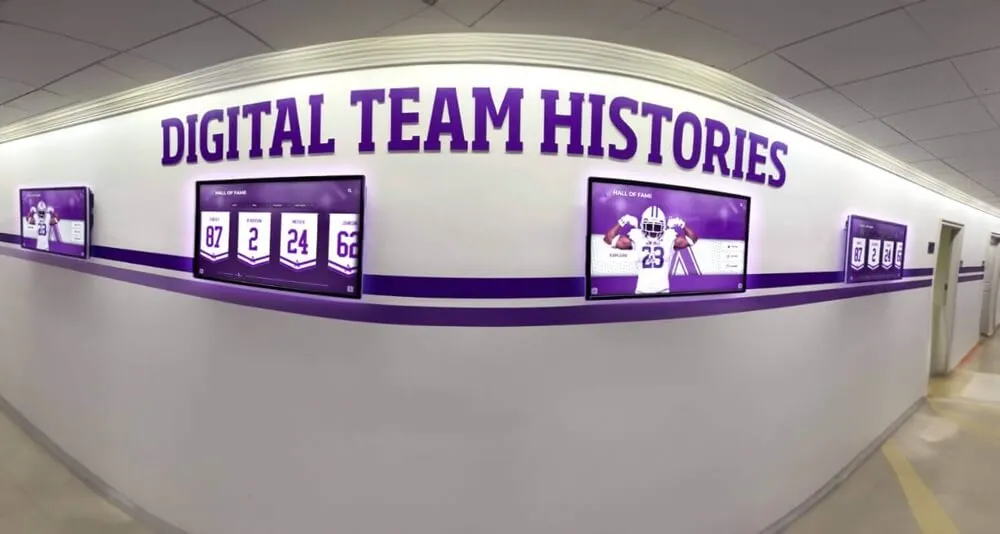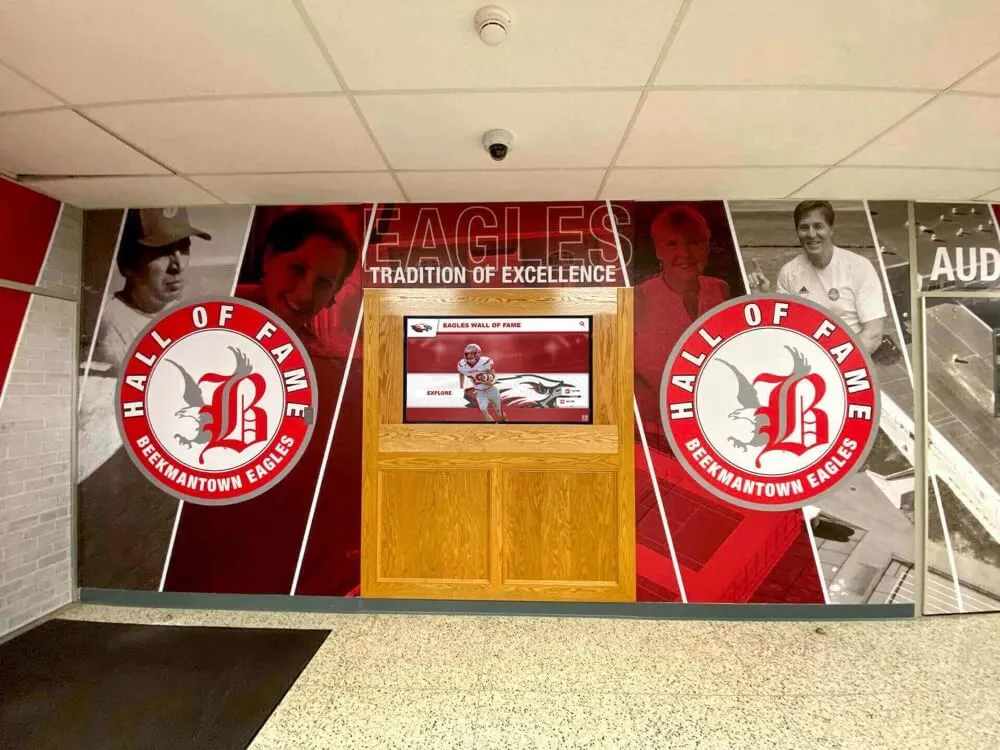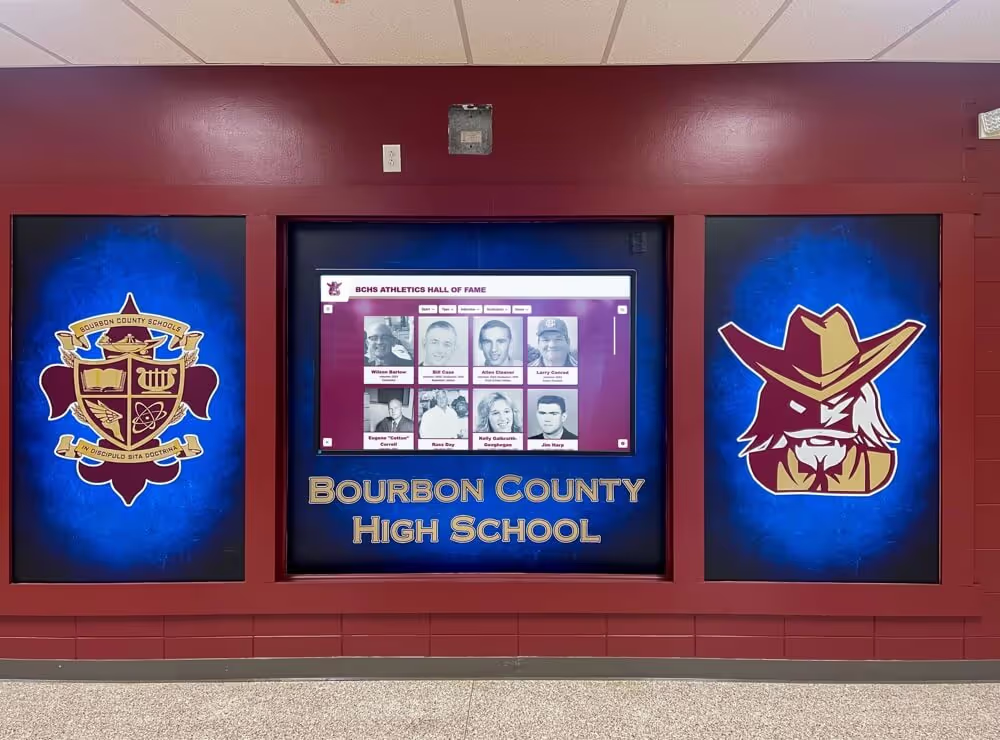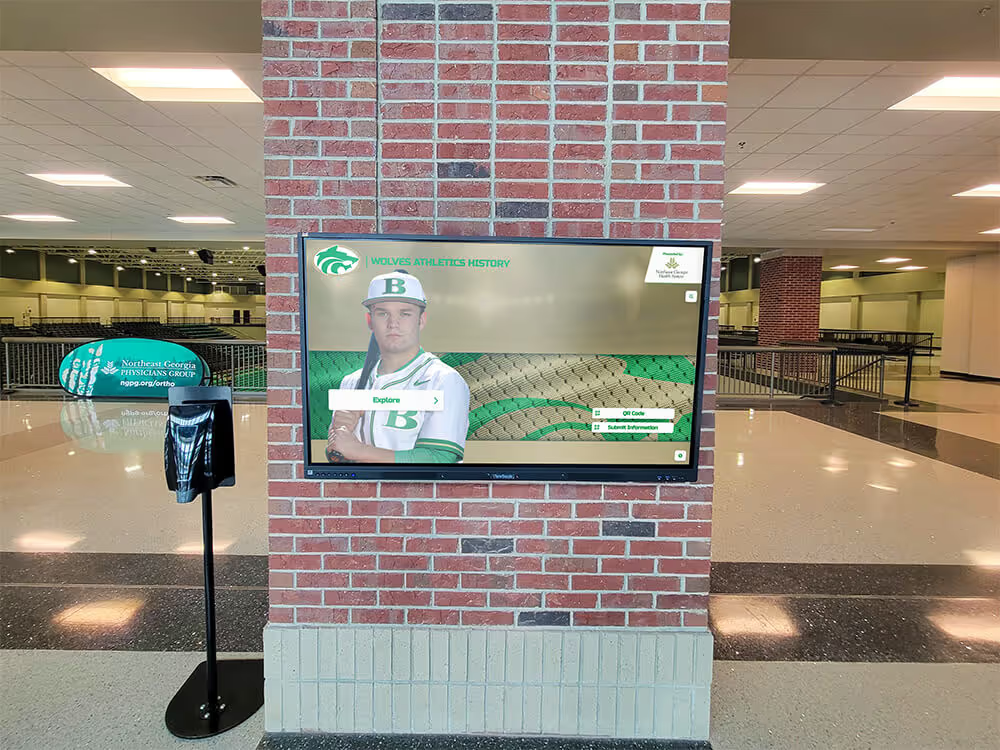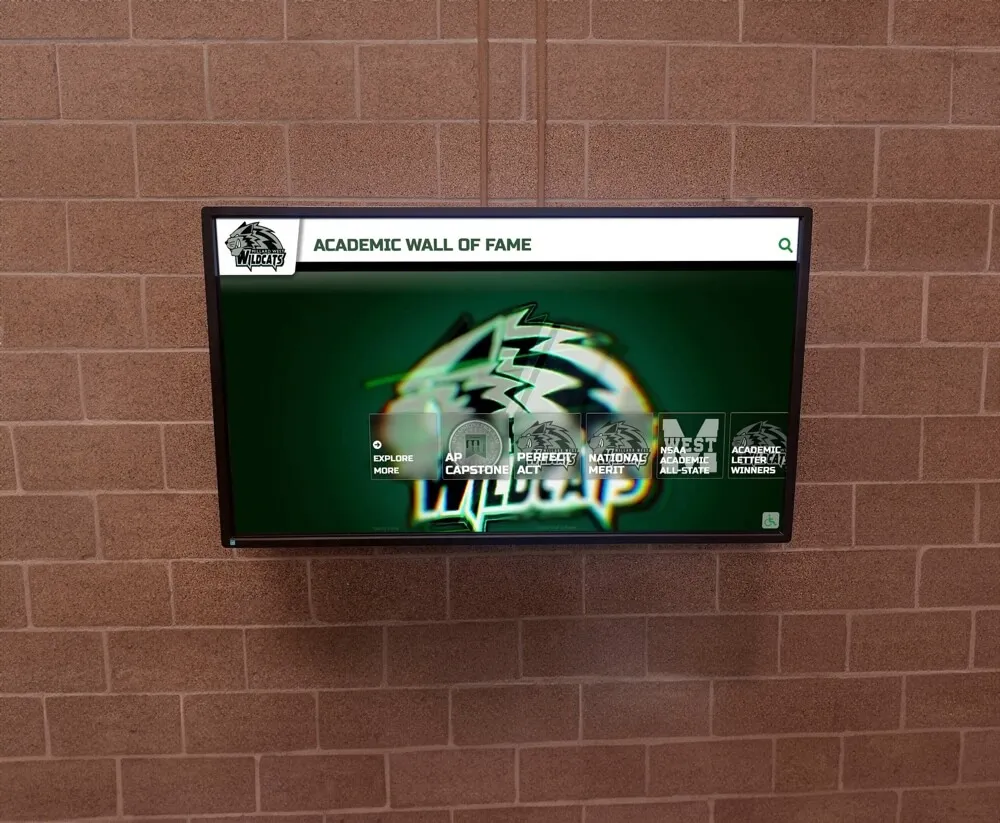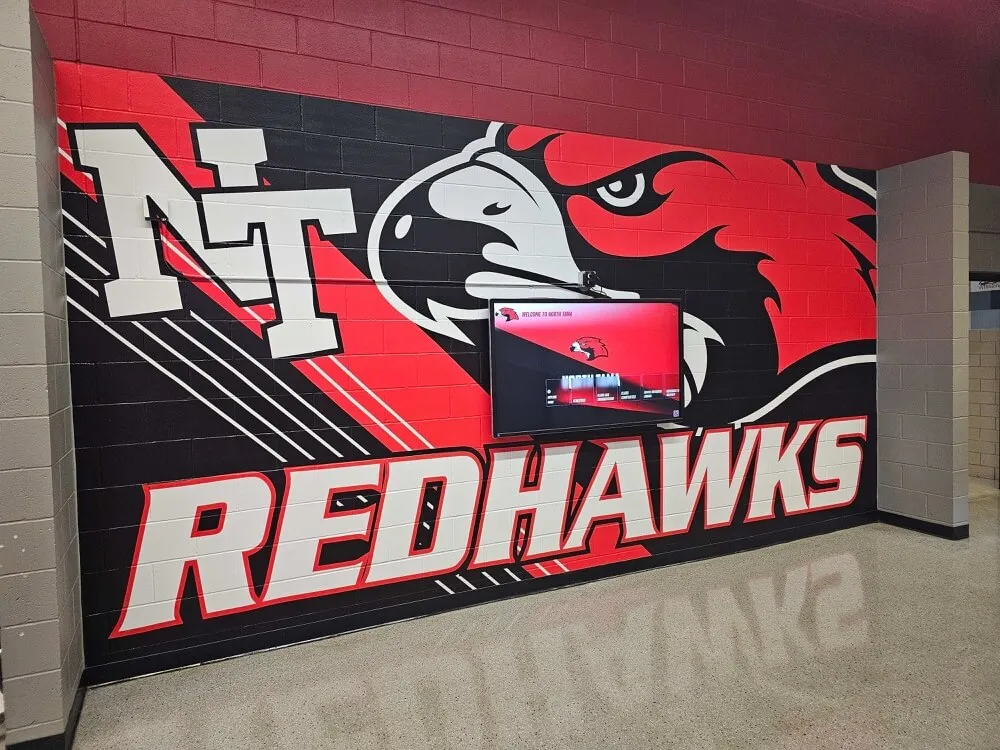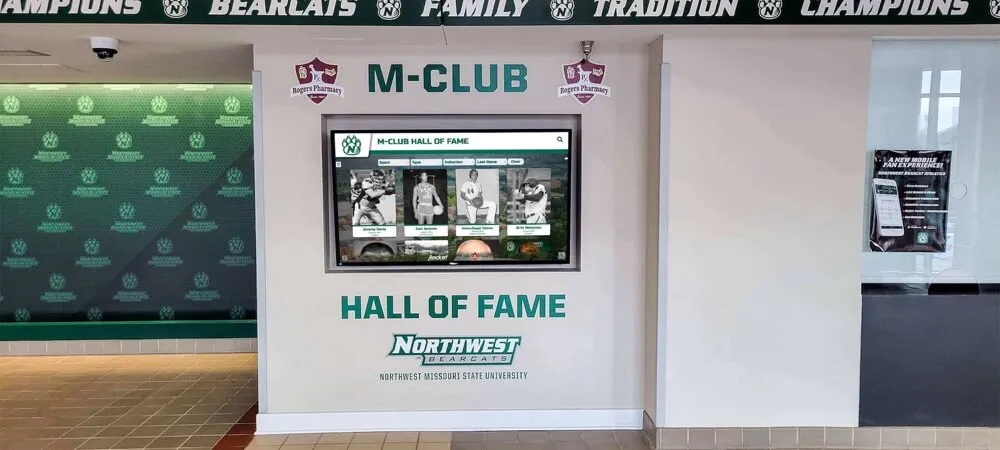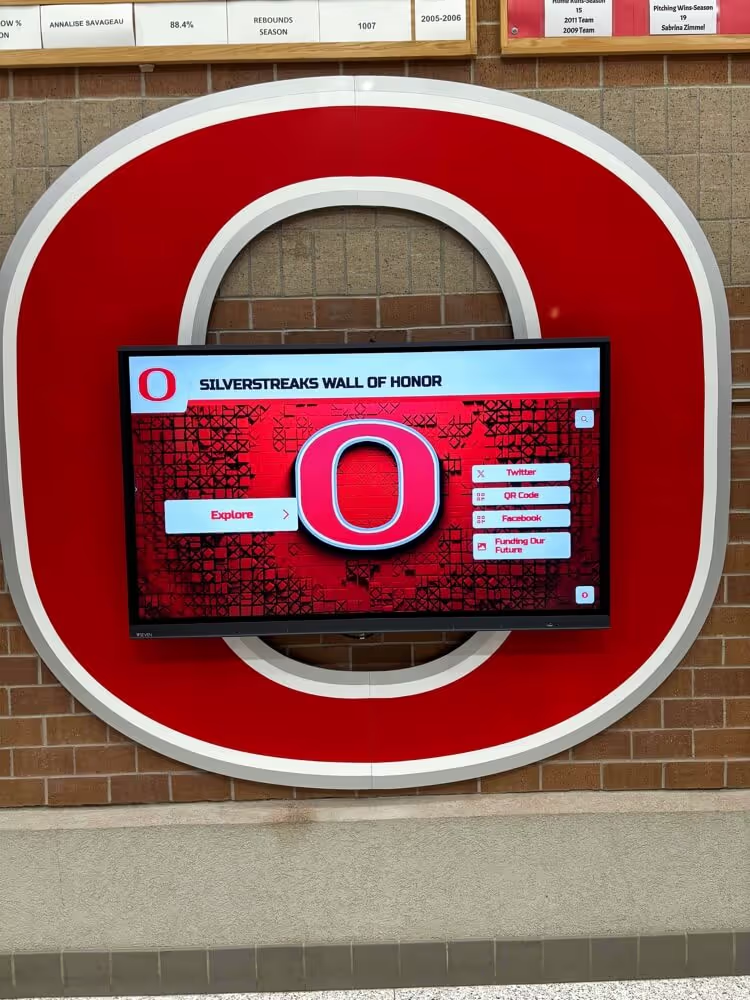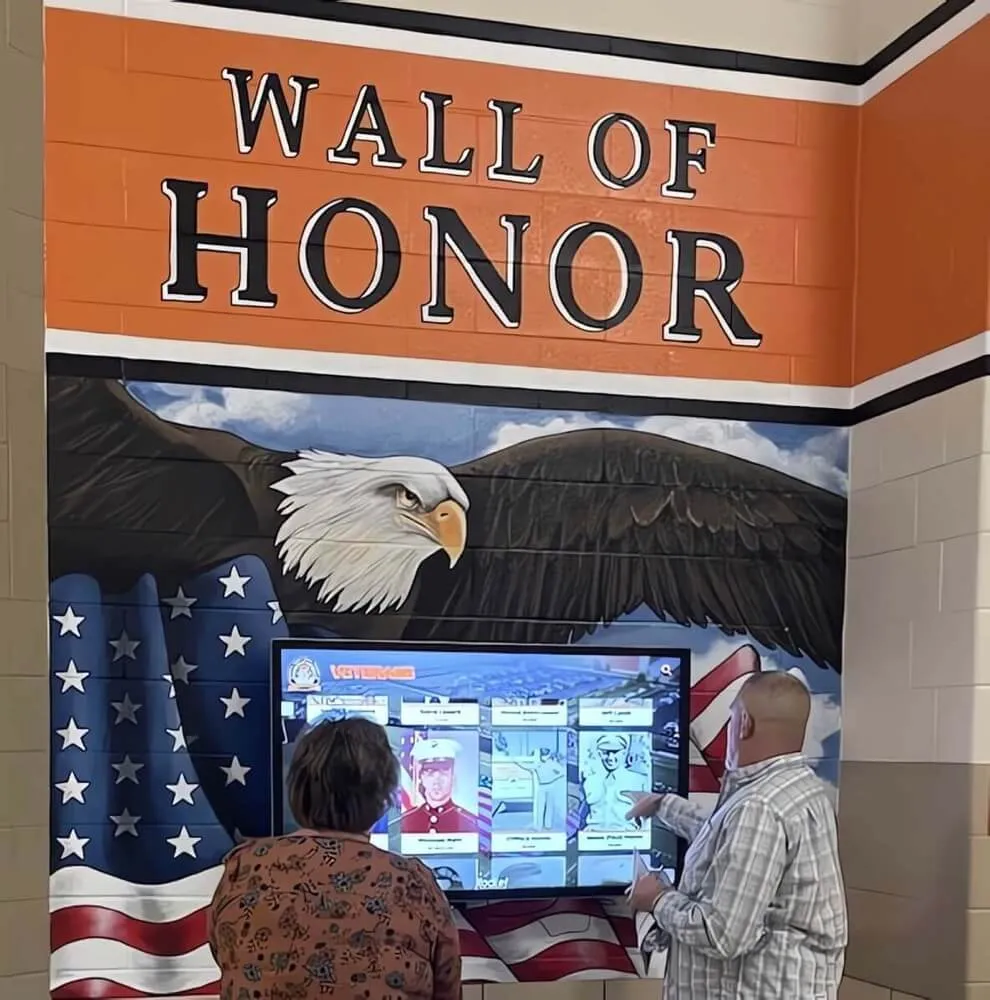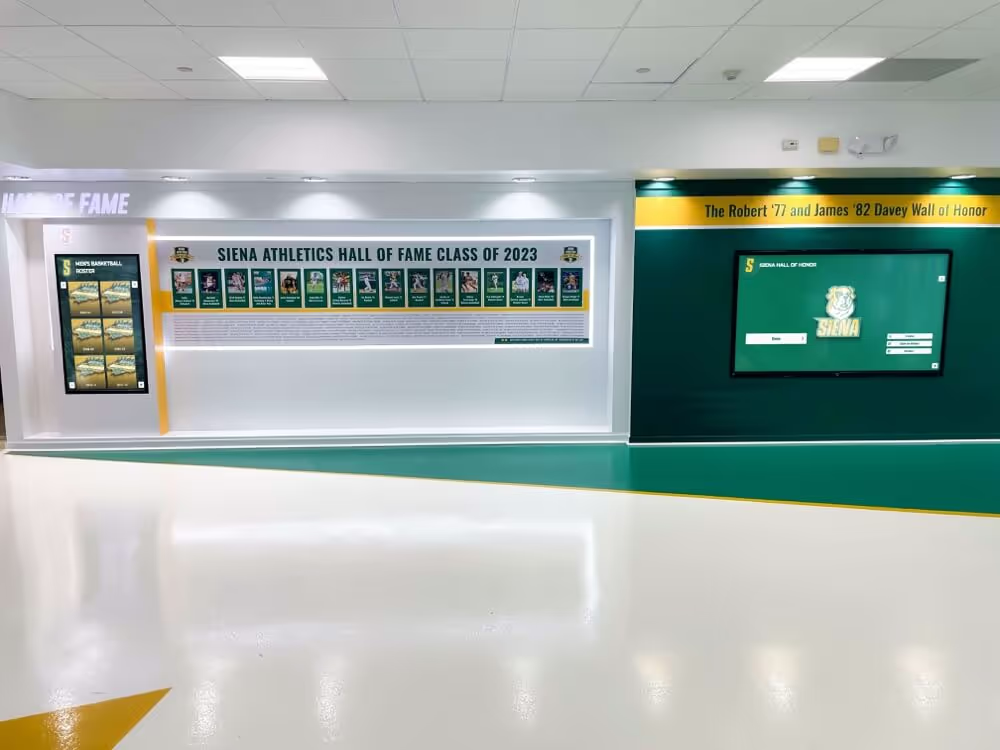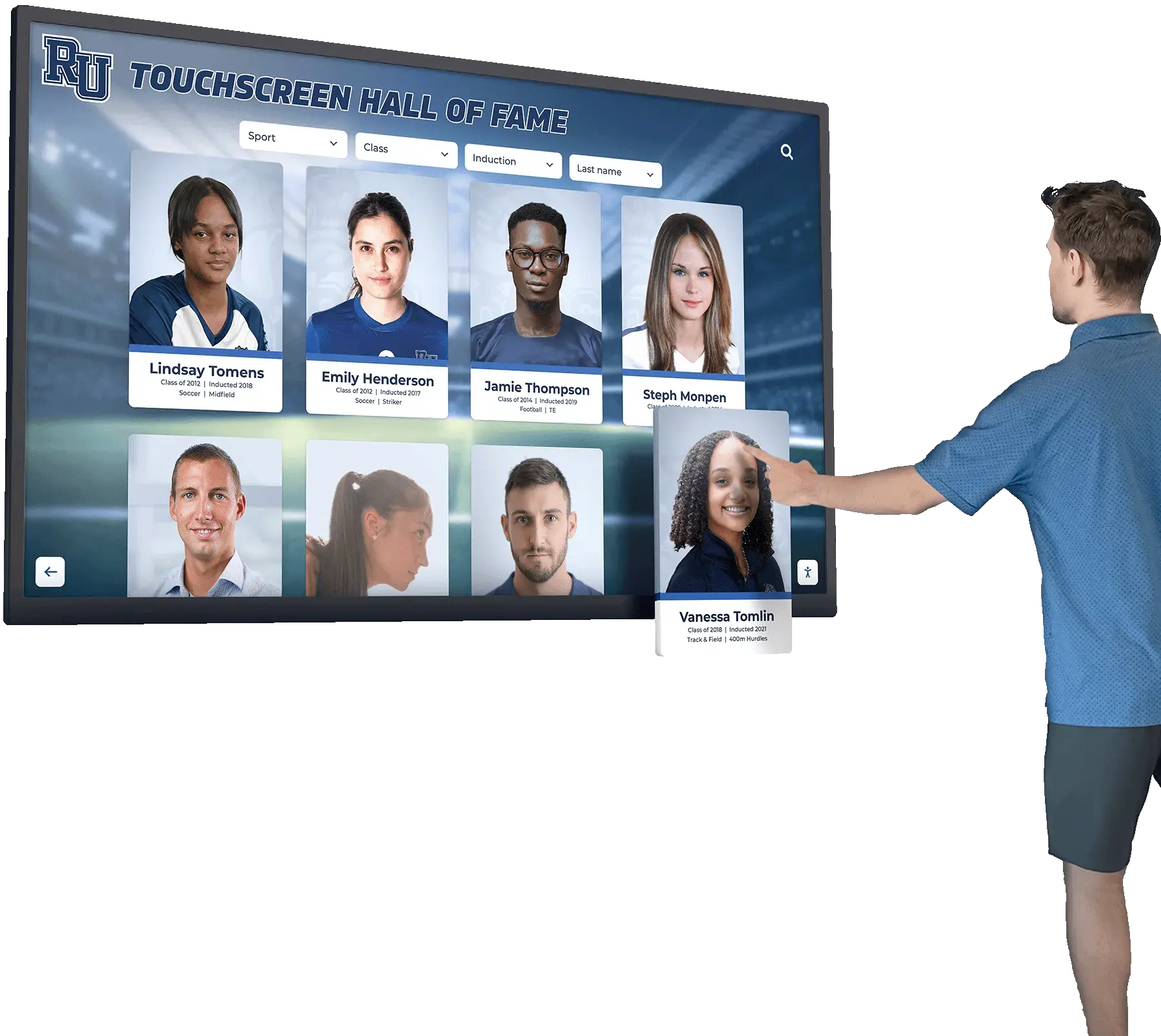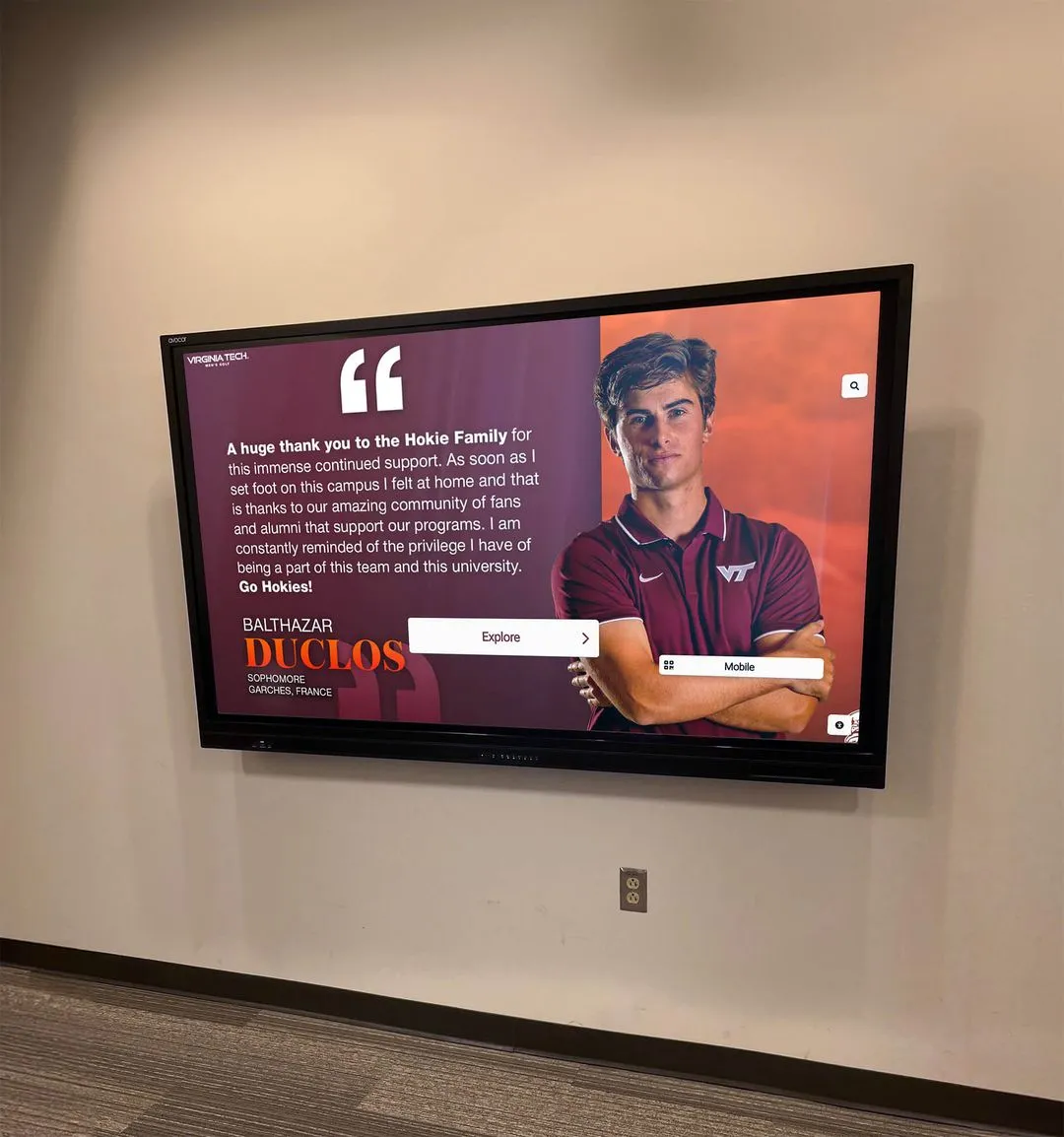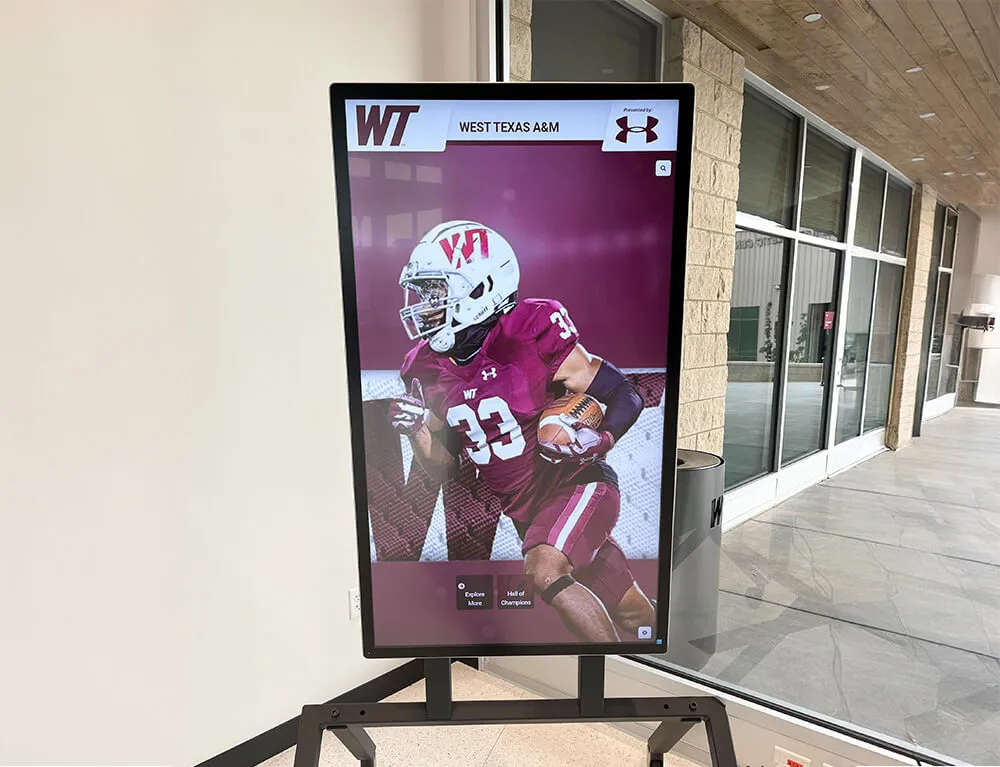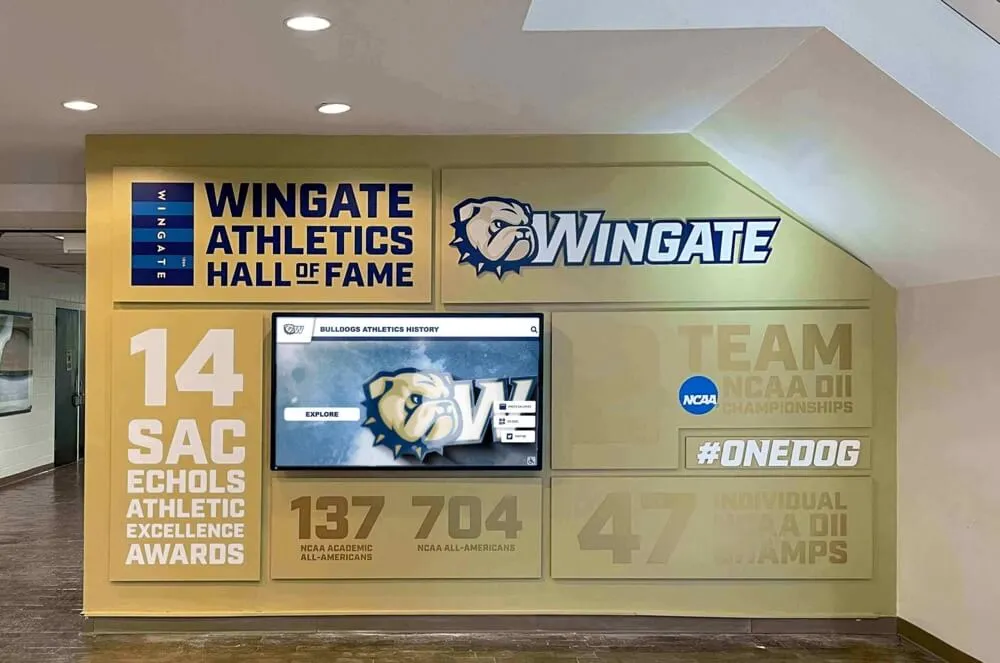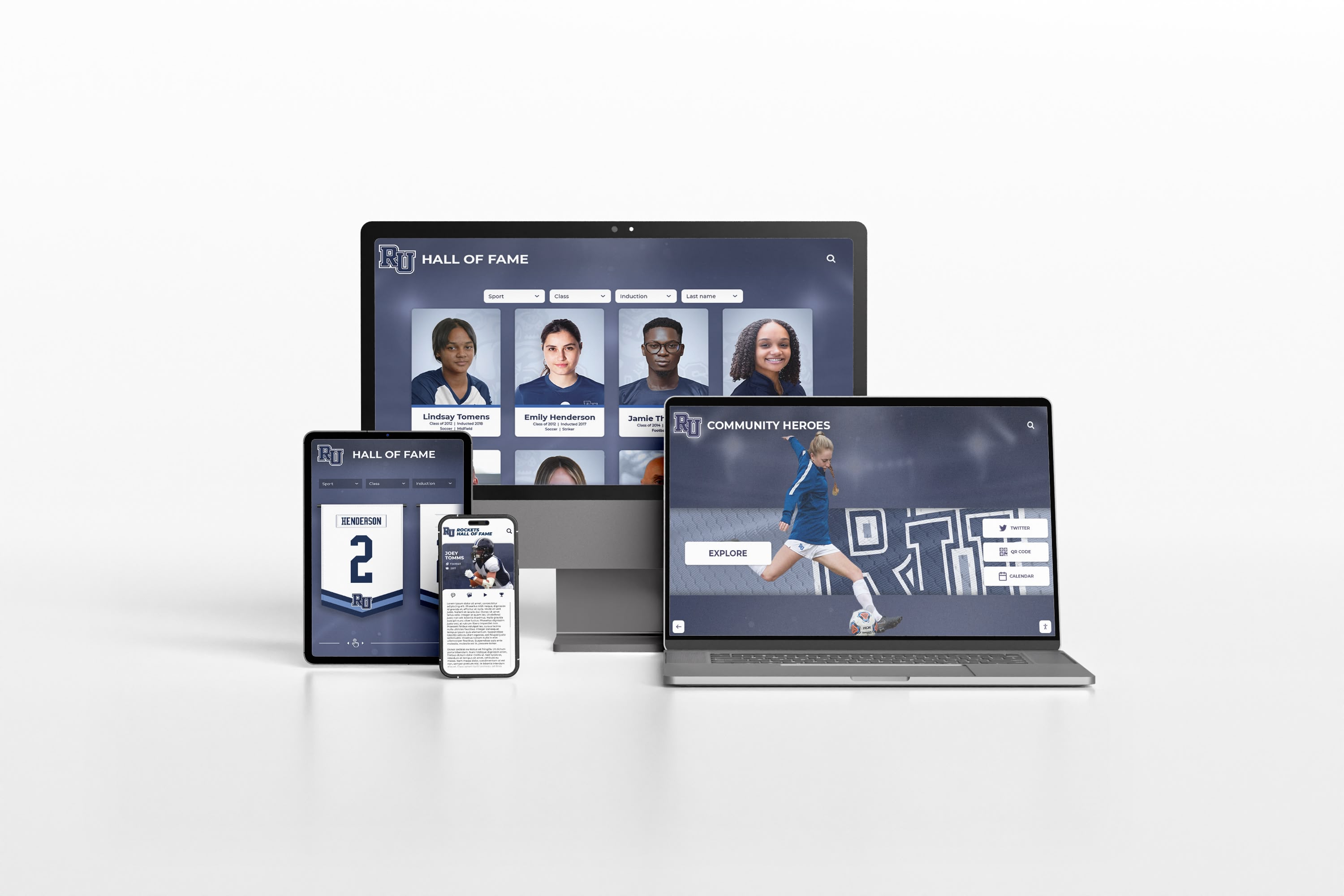
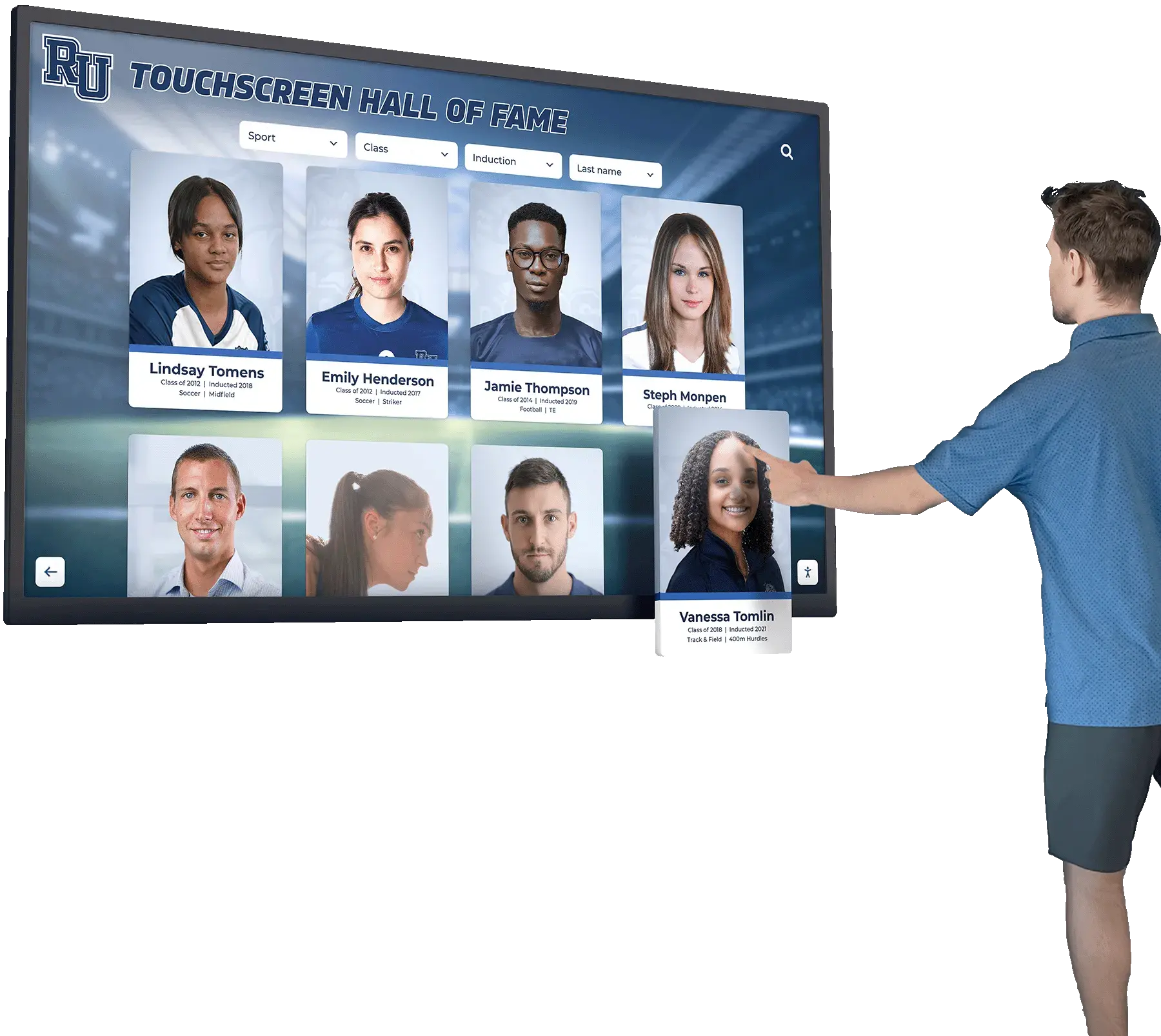
A digital hall of fame cybersecurity tabletop exercise is a facilitated discussion in which school IT staff, communications leads, and recognition program owners walk through simulated incidents—a compromised admin account, an altered inductee profile, a display outage, a ransomware lockout—and make explicit decisions about containment, communication, and restoration without touching the live system. The exercise surfaces gaps in roles, credentials, vendor contacts, and backup procedures before those gaps cost time, credibility, or permanently damaged records during an actual incident.
Who should run this exercise: Any school that manages a digital hall of fame, interactive touchscreen recognition display, or web-based inductee archive. Participants should include the athletic director or recognition program owner, the school IT lead, the communications or public relations contact, and—if your program runs on a hosted platform—a standing agenda item for what to do when the vendor is the first call. Plan 90–120 minutes for a first run; subsequent exercises can be compressed to 60 minutes once roles and escalation paths are established.
Why a Hall of Fame System Warrants Its Own Tabletop Scenario
Most school cybersecurity drills focus on student information systems, financial platforms, or email. A digital hall of fame sits in a different risk category: it is publicly visible, it contains personal information tied to named individuals, and it is maintained by a small group of staff who may not have IT security backgrounds.
The content stored in a recognition system spans decades. Inductee biographies, athletic records, championship documentation, and donor acknowledgment records—including those displayed during events like championship banner ceremonies and senior recognition nights—represent institutional history that cannot be reconstructed from memory if lost or corrupted.

Three characteristics make recognition systems distinct from other school platforms in a security context:
Low update frequency creates credential drift. Admin accounts for a recognition platform may be used only a few times per year—when inductees are added, when a display is updated for a new season, or when a donor record changes. Infrequently used credentials are at higher risk of being forgotten, shared informally, or left active after a staff transition.
Small team ownership creates single points of failure. If the one person who knows the admin password leaves the institution mid-year, the recognition system may be functionally inaccessible—and the school may not discover this until a public event requires an update.
Content is both reputational and personal. An altered inductee profile—a changed statistic, a removed photo, an incorrect graduation year—is visible on a public display and may be attributed to the school before anyone notices the change. Inductees, families, and alumni communities notice errors in recognition content quickly.
Who Belongs in the Room
Assemble participants who hold one of the following functional roles relative to the recognition system. Each role has a distinct set of decisions to make during an incident; the exercise surfaces whether those decision-makers know each other and have clarity on their own authority.
| Role | Typical Title | Decisions They Own During an Incident |
|---|---|---|
| Recognition program owner | Athletic director, director of alumni relations, hall of fame committee chair | Whether to take the display offline; when to notify inductees or families; whether an event can proceed with a degraded display |
| School IT lead | Director of technology, IT coordinator, systems administrator | Account suspension; credential rotation; backup restoration; vendor escalation; network isolation if needed |
| Communications or PR lead | Communications director, public information officer, marketing coordinator | External messaging; whether to proactively notify the school community; how to respond to media or parent inquiries |
| Platform vendor contact | Customer success manager, support representative | Platform-side account recovery; content restoration from vendor backups; emergency access procedures |
| Facilities or AV lead (if applicable) | Facilities director, AV technician | Whether a physical display can be powered off or substituted; on-site hardware access during an outage |
If any of these roles would be filled by the same person in your school, document that explicitly during the exercise—it identifies resource constraints that need a contingency plan.
How to Structure the Exercise
A tabletop exercise is a conversation, not a simulation. No systems are touched. Participants respond to scenario injects read aloud by a facilitator, discuss what they would do, and record their decisions. The facilitator’s job is to ask probing questions that surface gaps, not to grade responses.
Step 1: Pre-read and logistics (15 minutes before the session). Distribute a one-page scenario overview to participants 24 hours in advance. Collect the following reference materials and have them available during the exercise: the platform admin login credentials (stored in your password manager or IT vault), the vendor support phone number and after-hours escalation path, the most recent backup date for hall of fame content, and the contact information for any named inductees or family representatives who would need to be notified in the event of a profile alteration.
Step 2: Context-setting (10 minutes). The facilitator opens by explaining the ground rules: this is a no-fault exercise, decisions made here are practice, and the goal is to identify gaps rather than assign blame. Participants introduce their role. The facilitator confirms that the vendor contact is either present or reachable by phone during the exercise.
Step 3: Scenario injects (60–80 minutes). The facilitator reads each scenario, pauses for discussion, and records the group’s decisions using the decision log format at the end of this post. Each scenario should consume 15–20 minutes of discussion.
Step 4: Debrief (20–30 minutes). After all scenarios, the facilitator reviews the decision log and identifies: items where the group disagreed or was uncertain, items where a role was unclear, items where a resource (contact, credential, backup) was unavailable or unknown, and items the group wants to address before the next real incident.
Scenario 1: Compromised Admin Account
Inject: At 9:15 on a Tuesday morning, the IT coordinator receives an alert that a login to the hall of fame platform admin panel was made from an IP address in a foreign country. The athletic director’s account was used. The athletic director is in a meeting and has not been reached yet.
Discussion questions for the group:
- Who has the authority to suspend the athletic director’s account before confirming the login was unauthorized? What is the process?
- Does the IT lead have direct admin access to the platform, or does account suspension require contacting the vendor?
- What is the vendor’s process for emergency account suspension? Is that phone number available right now?
- If the account has been active for 20 minutes before detection, what changes could have been made in that window? Does the platform maintain an audit log that shows which records were accessed or modified?
- Once the account is suspended, who makes the decision to re-enable it, and under what conditions?
- If this incident occurs during a scheduled recognition event—a senior night ceremony or an induction ceremony—does the answer to any of these questions change?
Gaps this scenario commonly surfaces: No direct IT admin access to the recognition platform (all account changes require vendor involvement); no documented after-hours vendor escalation number; no audit log review process; athletic director’s account is shared with a staff assistant who also has access.
Scenario 2: Altered Inductee Profile
Inject: A parent emails the athletic director at 6:45 p.m. on a Friday to say that their family member’s inductee profile on the hall of fame display appears to show incorrect statistics—the career points record has been changed to a lower number than the actual mark. The display is currently active in the school lobby.
Discussion questions for the group:
- Who has authority to take the touchscreen display offline or put it into a holding screen until the content can be reviewed? Is that a physical action (facility access) or a software action (platform control)?
- Can anyone on the current team log into the platform from home on a Friday evening to investigate? If the person with credentials is unavailable, what is the path?
- Does the platform maintain a content history or version log that would show when the profile was last edited and by whom?
- What is the obligation to notify the inductee and family? Is there a documented process for correction communications?
- If the change was made by an unauthorized party, does this become a reportable incident under the school’s data governance policy?
- For programs that manage donor wall and sponsor recognition alongside athletic profiles, are donor records subject to the same review process?
Gaps this scenario commonly surfaces: No off-hours access to take the display offline without physical facility access; no content version history maintained or accessible to staff; no documented inductee notification process; correction workflow is ad hoc rather than procedural.
| Scenario 2 Decision Point | Ideal Outcome | Common Gap |
|---|---|---|
| Display goes offline | Any named role can trigger a holding screen remotely within 15 minutes | Only facilities staff can power-cycle the screen; no remote option |
| Content review begins | Staff can access content history log within 30 minutes of notification | Content history not available in platform or not visible to non-admin users |
| Inductee notification | Communications lead sends a templated acknowledgment within 2 hours | No notification template; inductee contact information not on file |
| Correction is made and verified | Correction confirmed against verified source before display goes back live | Correction made from memory without source verification |
Scenario 3: Platform Outage — Display Goes Dark
Inject: On the morning of the school’s annual athletic banquet, the hall of fame touchscreen display in the lobby is showing a blank screen or an error message. The event begins in four hours. The school’s IT coordinator calls the vendor support line and reaches a voicemail.
Discussion questions for the group:
- Does the school have a non-event fallback for the display—a static slide show, printed banners, or a looping video—that could substitute for the interactive display within the event window?
- What is the escalation path beyond the first-tier vendor support line? Is there a dedicated account contact with a direct number?
- Is this outage a hardware problem (the physical display), a network problem (the display cannot reach the platform), or a platform problem (the platform itself is down)? Who has the diagnostic knowledge to identify the source quickly?
- For programs displaying championship banners alongside digital recognition content or planning cheer and sport banquet recognition, what content is static and what is platform-dependent?
- Does the athletic director have the authority to proceed with the event without the digital display, or does that decision require approval from a principal or superintendent?
- If the outage is caused by a platform-wide issue affecting all schools on the platform, what is the vendor’s communication protocol for notifying affected institutions?
Gaps this scenario commonly surfaces: No documented fallback plan for the display at events; vendor escalation path is a general support email, not a direct account contact; IT and facilities staff have not discussed how to triage hardware vs. software outages; no SLA terms reviewed or known by school staff.
Scenario 4: Content Recovery After Data Loss
Inject: Following a ransomware incident that affects several school systems, the IT team discovers that the export file used to back up hall of fame content was last run 18 months ago. The current platform vendor has confirmed that they maintain rolling backups, but the school’s local copy is significantly outdated. The athletic director needs to know what inductee records from the last 18 months can be recovered and from where.
Discussion questions for the group:
- Does the school have a documented data export schedule for the recognition platform? Who owns that schedule, and how is it enforced?
- What does the vendor’s backup policy cover? How far back can they restore content, and at what granularity—full platform, individual profiles, individual fields?
- For inductees added in the last 18 months, what physical or digital records exist that could be used to reconstruct profiles? Induction ceremony programs, committee approval records, yearbooks, nomination forms?
- If the vendor’s backup is authoritative, what is the recovery time objective—how long will restoration take, and who manages the process?
- For schools that reference historical records from a basketball hall of fame or multi-sport recognition program, are source records—game logs, printed programs, photograph archives—stored in a location separate from the digital platform?
- What is the communication plan for inductees whose records may be incomplete or degraded during a recovery period?
Gaps this scenario commonly surfaces: No documented backup export schedule; staff assumed vendor backups were sufficient without reviewing the retention window or recovery time; source records for recent inductees are dispersed across committee member personal files with no central copy.
Decision Log Template
Use this template to record the group’s responses during the exercise. Each completed row documents a decision or gap for post-exercise follow-up.
| Scenario | Decision Point | Group's Response | Gap or Action Item | Owner | Target Date |
|---|---|---|---|---|---|
| Scenario 1 | Emergency account suspension | ||||
| Scenario 1 | Vendor after-hours escalation | ||||
| Scenario 2 | Remote display offline capability | ||||
| Scenario 2 | Inductee notification process | ||||
| Scenario 3 | Event fallback plan | ||||
| Scenario 3 | Triage: hardware vs. software outage | ||||
| Scenario 4 | Backup export schedule | ||||
| Scenario 4 | Vendor backup retention and recovery SLA |
Post-Exercise Action Items: What Most Schools Address First
Based on the four scenarios above, the following items consistently appear on post-exercise action lists for schools managing digital recognition systems. Completing these before the next exercise—or before a real incident—materially reduces response time.
Confirm a named vendor escalation contact with a direct phone number. The general support queue is not sufficient for a time-sensitive incident. Ask your platform vendor to document a named account contact and an after-hours escalation path. Store both in your IT vault alongside the platform credentials.
Document admin credentials in a shared vault accessible to at least two staff members. A recognition platform admin account known only to one person represents a continuity risk that becomes a security incident whenever that person is unavailable. The solution is not to share a single account but to ensure that IT and the recognition program owner each have independent admin credentials documented in a secured credential manager.
Establish a quarterly content export routine. A manual export of inductee profiles, records, and media into a school-controlled storage location—separate from the vendor platform—creates a recovery baseline independent of the vendor’s backup retention window. For schools that also manage digital signage alongside a recognition platform, a combined content audit and export schedule covers both systems.
Create a fallback display plan for events. A simple looping slideshow of inductee photos and names, prepared annually as part of the induction process, can substitute for the interactive display during an outage without requiring any technical triage. Store the fallback file on a USB drive kept with the display hardware.
Review the platform’s content audit log capability. Confirm whether the platform logs admin activity at the field level—not just login events—and whether that log is accessible to school staff or only to the vendor. Understanding what you can and cannot reconstruct after an unauthorized change is a prerequisite for an effective incident response.
For programs that have expanded their recognition infrastructure to include alumni kiosks, community displays, or alumni pride installations, each additional display endpoint should be included in the exercise scope—the fallback plan, the credential inventory, and the outage triage process all need to account for every active display.
Scheduling and Cadence
A first tabletop exercise should run all four scenarios to establish a baseline. After the baseline exercise, an annual 60-minute refresh covering one or two scenarios—particularly after a staff transition, a platform upgrade, or a change in the recognition program’s scope—is sufficient to keep the response plan current.
Schedule the exercise at a time that does not conflict with induction season or major athletic events. Mid-fall or mid-spring, after a major seasonal event, gives the team enough distance from recent activity to focus on planning rather than current operations.
Document the exercise date, attendees, and action items in the recognition program’s administrative records. If an actual incident occurs, the tabletop record demonstrates that the school followed a reasonable preparedness process—relevant for both internal accountability and any insurance or compliance review.
For schools building or upgrading a recognition program, reviewing what a complete digital hall of fame program covers from a content and infrastructure standpoint helps define the full scope of what the tabletop exercise needs to address, including content governance, access control, and alumni recognition. Programs that incorporate basketball and multi-sport history displays alongside academic and donor recognition will have broader participant lists and more content types to account for in each scenario.
FAQ
Do we need a cybersecurity background to run this exercise?
No. A tabletop exercise for a recognition system does not require technical expertise from the facilitator. The facilitator’s role is to read the scenarios, ask the discussion questions, and document the group’s responses. The IT lead provides technical context when needed. Many schools run their first exercise facilitated by the athletic director or a committee chair.
What if our platform vendor participates in the exercise?
Vendor participation is valuable for Scenarios 1, 3, and 4, where vendor-side processes (account recovery, backup restoration, escalation paths) are central decision points. Invite the vendor’s customer success or support contact to join by phone or video for the relevant scenarios. Their participation clarifies what the vendor can do and how quickly, which directly shapes the school’s response procedures.
How does this exercise relate to the school’s broader cybersecurity incident response plan?
A recognition system tabletop is a supplement to, not a replacement for, the school’s general cybersecurity incident response plan. The general plan covers student information systems, financial systems, and infrastructure. This exercise covers the recognition-specific decisions—display management, inductee notification, content recovery—that are unlikely to appear in a general IR plan and would otherwise be improvised during an incident.
What if we discover a real security gap during the exercise?
Document the gap and assign it to an owner with a target date, using the decision log above. Do not attempt to resolve a credential, access, or configuration gap during the exercise itself. The exercise is a planning session; remediation happens after, with appropriate review and testing.
Should this exercise be repeated after a platform migration?
Yes. A platform migration resets the escalation contacts, credential locations, backup procedures, and administrative access paths that the exercise tests. Running a condensed exercise within 60 days of completing a platform migration confirms that the new environment is covered by the current response plan.
How do we handle recognition content displayed at off-site venues or alumni events?
Treat any off-site display as its own scenario inject: who has access to the content management system from a remote location, and what is the fallback if the display goes offline at a venue where IT staff are not present? For programs with displays at college colors day events or alumni receptions, the event coordinator should be a participant in the exercise.
When your program is ready to manage recognition content, display access, and account security in a platform built for school halls of fame—see how Rocket Alumni Solutions supports halls of fame like yours.